
Software
Microsoft Teams has revolutionized digital learning by transforming classrooms into dynamic collaboration hubs. Discover how educators leverage this platform to enhance student engagement, streamline communication, and create inclusive learning environments—all while saving time and resources.
Seamless Classroom Communication Platform
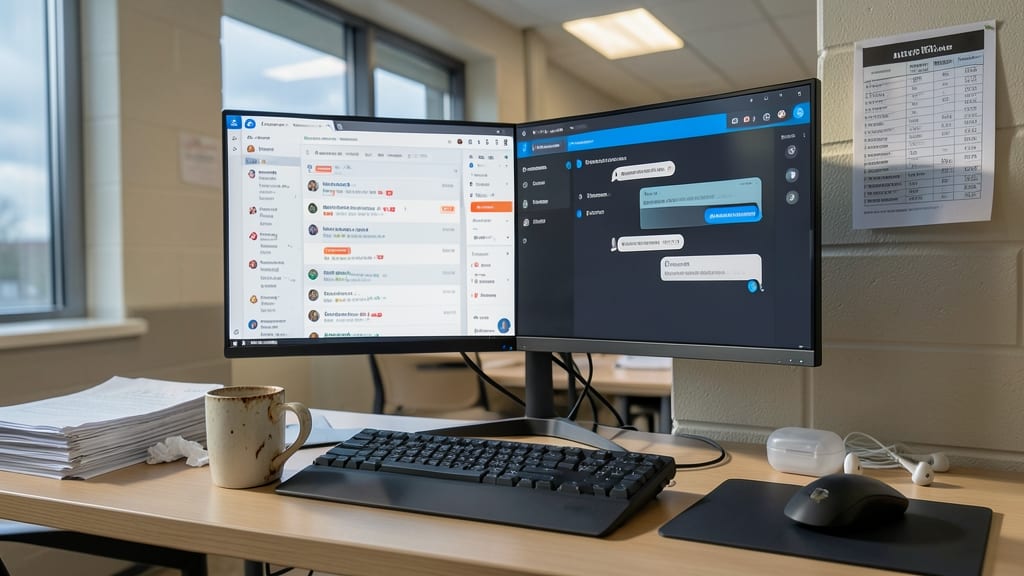
Frustrated by students missing emails or announcements buried in chaotic inboxes? Microsoft Teams’ Seamless Classroom Communication Platform consolidates everything—announcements, deadlines, and resources—into one searchable, organized hub with threaded chats and @mentions. No more "lost in translation" messages; every update stays visible until students acknowledge receipt, cutting confusion by up to 60%.
The platform’s real-time notifications ensure critical updates (like test reminders or deadline changes) reach students instantly, while persistent chat history lets teachers reference past discussions without digging through old emails. With customizable channels for each subject or grade level, teachers can segment communication—keeping math homework separate from science project updates. The mobile app even syncs notifications, so students never miss a beat, whether they’re at home or on the bus.
This feature shines brightest for middle and high school teachers juggling multiple classes or substitute teachers who need quick access to lesson plans and student rosters. It’s the digital equivalent of a well-organized bulletin board—where nothing slips through the cracks. ⚡
Virtual Classroom Integration with Live Lessons
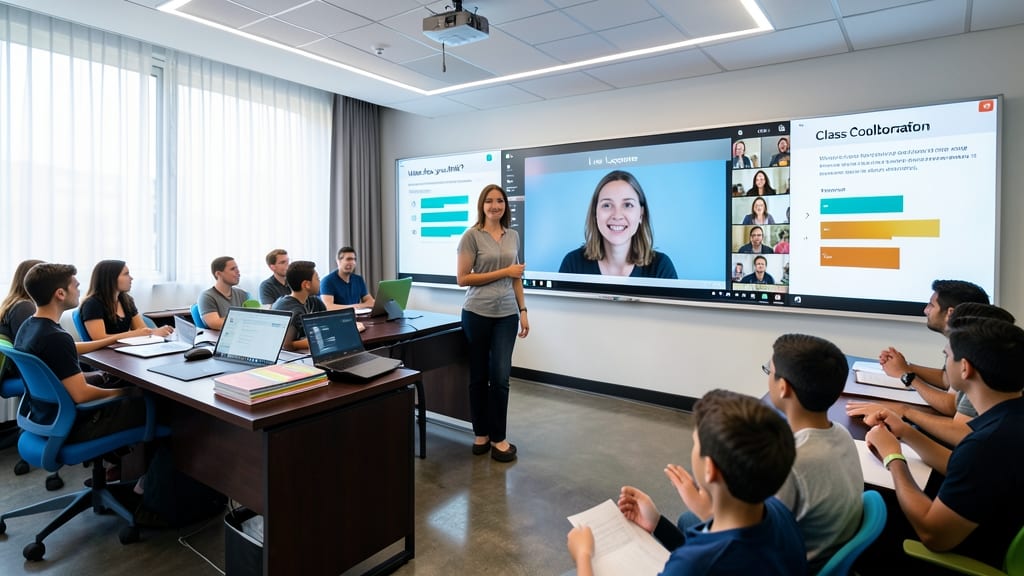
Struggling to keep hybrid classrooms connected without losing the energy of in-person teaching? Microsoft Teams’ Virtual Classroom Integration bridges the gap with live video lectures, screen sharing, and interactive polls—all designed to mimic the dynamic of a physical classroom. The platform supports up to 1,000 participants in a single meeting, with 4K video quality and low-latency streaming to ensure smooth delivery, even for large lectures.
Teachers can annotate slides in real time, share their entire desktop, or use the whiteboard tool to draw diagrams—just like on a traditional chalkboard. Live polls and quizzes (integrated with Microsoft Forms) let educators gauge understanding instantly, while the raise-hand feature keeps discussions orderly. For hybrid setups, attendance tracking and student engagement analytics help identify who’s participating (or tuning out), so you can adjust instruction on the fly.
This feature is a lifeline for high schools and colleges with mixed in-person/remote schedules, or private tutors teaching global clients. It’s the closest thing to being in the same room—without the commute. ✨
Collaborative File Sharing and Co-Authoring
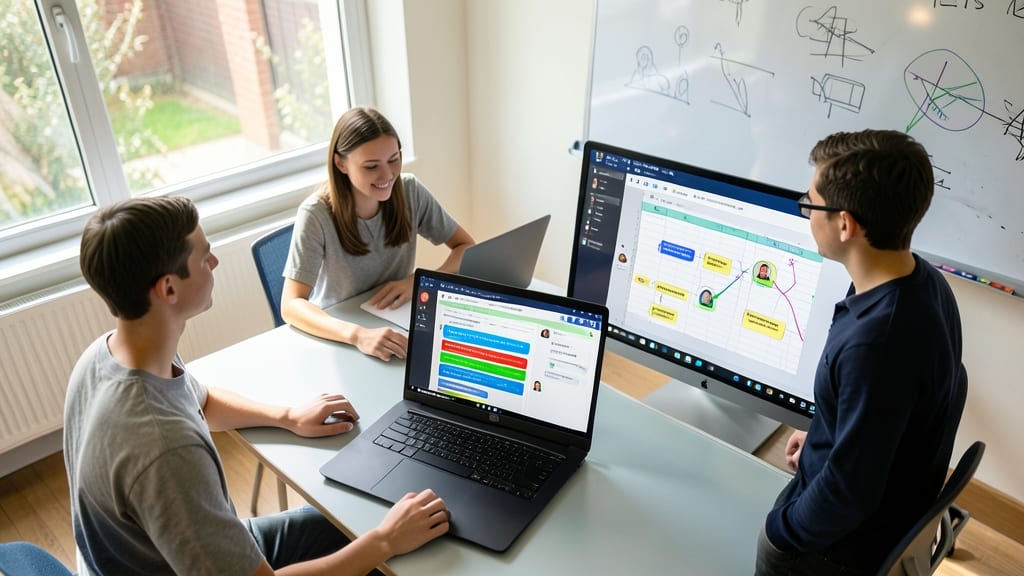
Forget the chaos of emailing drafts back and forth—Teams’ real-time co-authoring lets students collaborate on Word, Excel, and PowerPoint files simultaneously, just like a shared whiteboard. No more "finalv3final_final.docx" headaches; every edit appears instantly, with version history tracking changes effortlessly.
This feature integrates seamlessly with the Microsoft Office Suite, so students working on group projects—whether it’s a research paper in Word or a class presentation in PowerPoint—see updates in real time. Teachers can even join live to guide discussions, making feedback immediate and interactive. The platform also supports comment threads for peer reviews, turning group work into a structured, visible process.
Perfect for project-based learning, this tool is a game-changer for subjects like history, science, or creative writing where collaboration is key. ⚡
Structured Assignment Management System
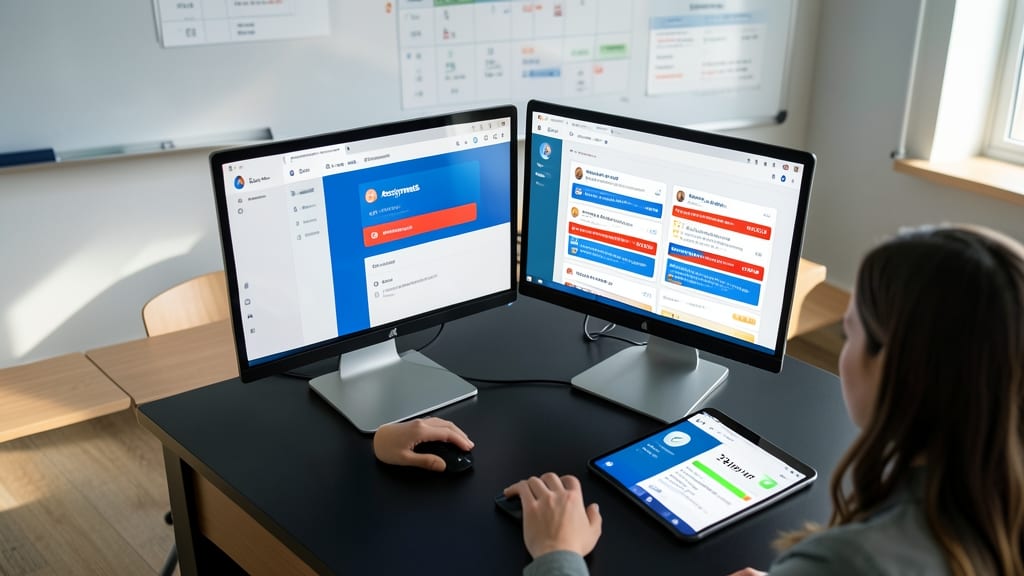
Say goodbye to lost assignments and last-minute reminders—Microsoft Teams’ Structured Assignment Management System turns chaos into clarity. Teachers can post assignments with custom deadlines, attach rubrics, and even set up automated reminders for students, ensuring no one falls through the cracks.
The system integrates real-time progress tracking, so educators see who’s on task and who needs help—without digging through emails or spreadsheets. Students get a single dashboard for all deadlines, submissions, and feedback, reducing confusion and stress. Plus, grading tools streamline feedback with comments and scores saved directly in the platform.
This feature is a game-changer for high-school teachers managing heavy workloads or middle-school educators teaching digital natives. It keeps everyone organized—no more chasing down missing work! 💻
Breakout Rooms for Small-Group Learning
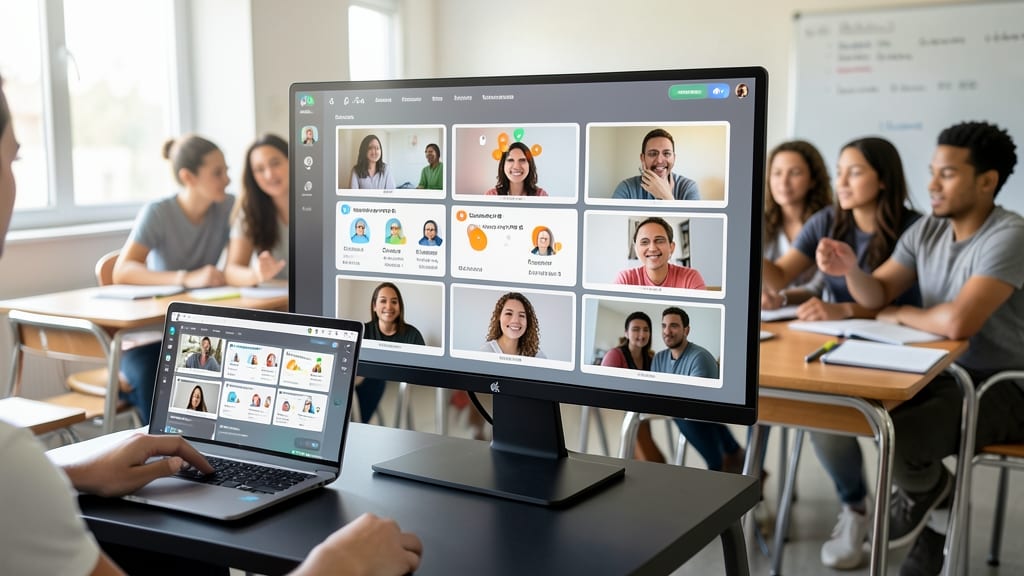
Tired of large lectures where half the class stays silent? Microsoft Teams’ breakout rooms let you split your class into virtual subgroups with just one click—perfect for language practice, science labs, or group projects.
Create up to 50 breakout rooms (or auto-assign based on class size) and customize each with unique tasks. Teachers can monitor progress, reassign students, or broadcast messages to all rooms instantly. The integrated whiteboard and screen-sharing tools keep discussions interactive, while the timer ensures focused, structured sessions.
This feature thrives in subjects like foreign language classes (for conversation practice) or STEM labs (for hands-on experiments). It’s the digital equivalent of table groups—without the need to rearrange desks. ✨
Built-In Accessibility Features for Inclusive Learning
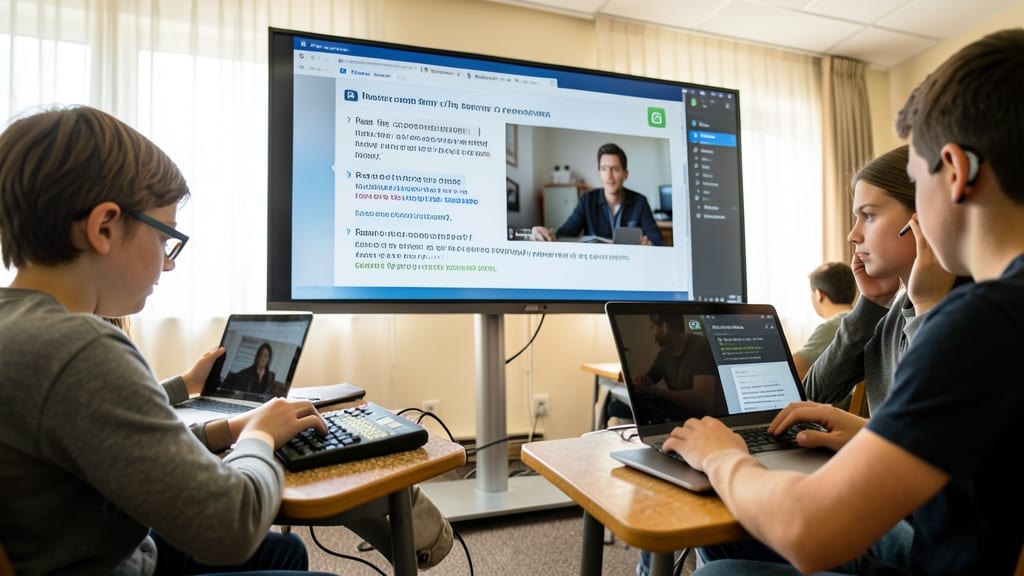
Every student deserves to access learning materials without barriers—Microsoft Teams makes that possible with its built-in accessibility tools. From real-time captions during live lessons to screen reader compatibility for visually impaired students, the platform adapts to individual needs while maintaining full functionality.
Adjust text size and contrast to reduce eye strain, or enable high-contrast modes for better readability. Teams also integrates with JAWS and NVDA screen readers, ensuring students with visual impairments can navigate assignments, chats, and meetings independently. Compliance with WCAG 2.1 standards means schools meet legal requirements while fostering an inclusive environment.
This feature transforms classrooms into spaces where all learners thrive, whether they rely on assistive tech or simply prefer larger fonts. Perfect for schools prioritizing equity and digital inclusion. ✨
Parent-Teacher Communication Hub
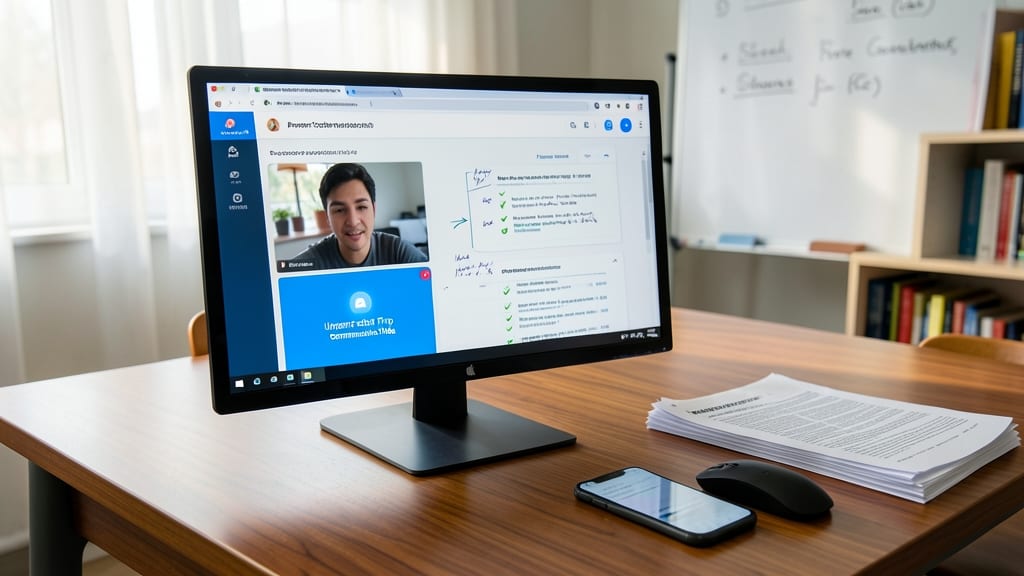
Tired of endless phone tag between parents and teachers? Microsoft Teams’ dedicated Parent-Teacher Communication Hub turns fragmented updates into a single, organized channel—where meeting requests, progress reports, and classroom news live in one place.
Teachers can share real-time updates via threaded chats or @mentions, while parents access secure document sharing (like report cards or permission slips) without email clutter. The integrated calendar lets you schedule virtual meetings with a click, and translation tools break language barriers for multilingual families.
This feature is a game-changer for elementary schools where parents may lack tech skills—simplified dashboards and mobile apps ensure everyone stays connected. Fewer missed calls mean stronger partnerships. 💡
Integration with Microsoft Education Tools
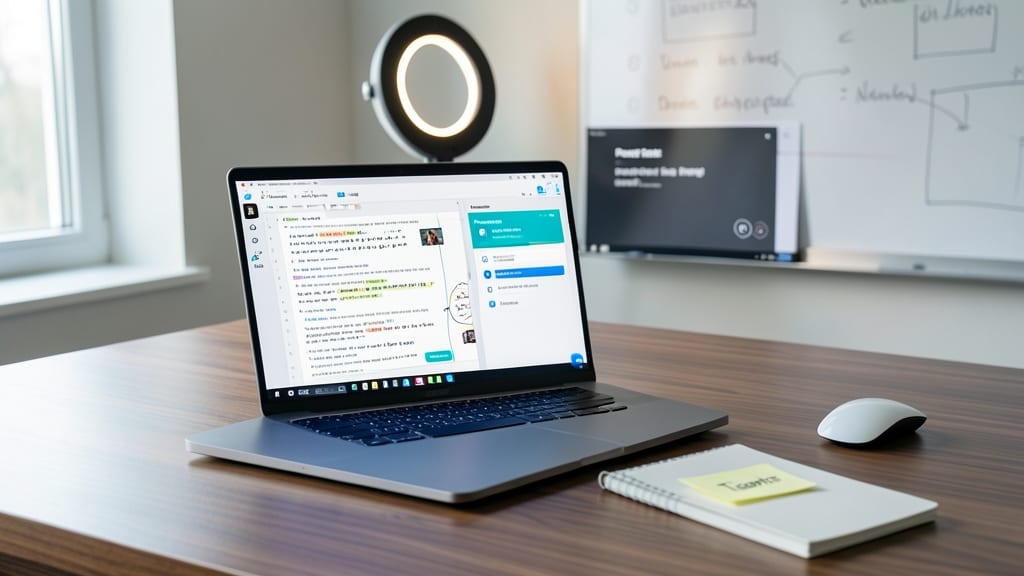
Tired of juggling separate apps for lesson plans, quizzes, and presentations? Microsoft Teams eliminates that chaos by natively integrating with OneNote, Forms, and PowerPoint—turning your workflow into a seamless, all-in-one experience.
Create interactive lesson plans in OneNote with embedded videos, quizzes, and student notes—all linked directly to your Teams class. Design auto-graded quizzes in Forms with instant results, then share them instantly in chats or assignments. Transform slides into engaging presentations with live polls and student responses, all without leaving Teams. The zero-configuration setup means no extra logins or data transfers—just drag-and-drop functionality that works across devices.
This is a game-changer for teachers balancing grading, lesson prep, and parent communication. Whether you're a high school math teacher or a college professor, these integrations cut prep time by up to 40% while keeping everything organized. ✨
Student Engagement Through Interactive Features
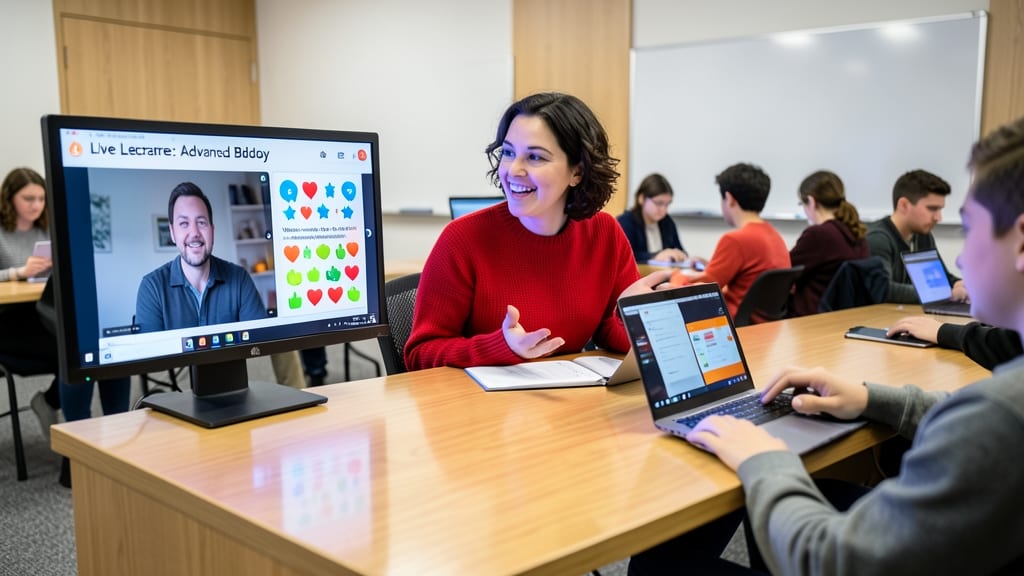
Tired of passive learning where students zone out during virtual lectures? Microsoft Teams transforms lessons into dynamic discussions with its real-time engagement tools. The platform lets teachers embed live polls, quizzes, and emoji reactions directly into lessons—turning passive listeners into active participants with just a few clicks.
With Forms integration, you can create instant quizzes that adapt to student responses, while reaction buttons (👍, 🤔, 🎉) let students signal understanding or confusion without interrupting. The Planner app adds gamification by breaking lessons into bite-sized tasks with progress bars, keeping motivation high. These features work seamlessly on any device, ensuring every student—whether in class or remote—can contribute.
Ideal for middle/high school educators teaching subjects like history, science, or debate, these tools make discussions feel as lively as in-person classes. The best part? No extra apps needed—it’s all built into Teams. ✨
Cost-Effective Solution for Schools
Schools already using Microsoft 365 can unlock Teams at zero additional cost, eliminating the need for expensive third-party learning management systems (LMS). This built-in integration means no extra licensing fees, IT setup headaches, or fragmented subscriptions—just seamless access to enterprise-grade collaboration tools.
With built-in compliance tools like data encryption, admin controls, and Microsoft’s Education Data Privacy Agreement, schools maintain strict security without compromising functionality. The platform also includes 24/7 technical support for IT teams, reducing troubleshooting time and costs. Plus, automatic updates ensure teachers and students always have the latest features without manual upgrades.
This makes Teams ideal for budget-conscious districts or schools with limited IT resources, offering a scalable solution that grows with their needs. 💻