
PowerPoint
Struggling to create professional PowerPoint presentations quickly? These 10 free Microsoft Office-compatible templates will elevate your slides with minimal effort, covering everything from business pitches to creative projects—all ready to download and customize instantly.
Modern Business Pitch Deck Template
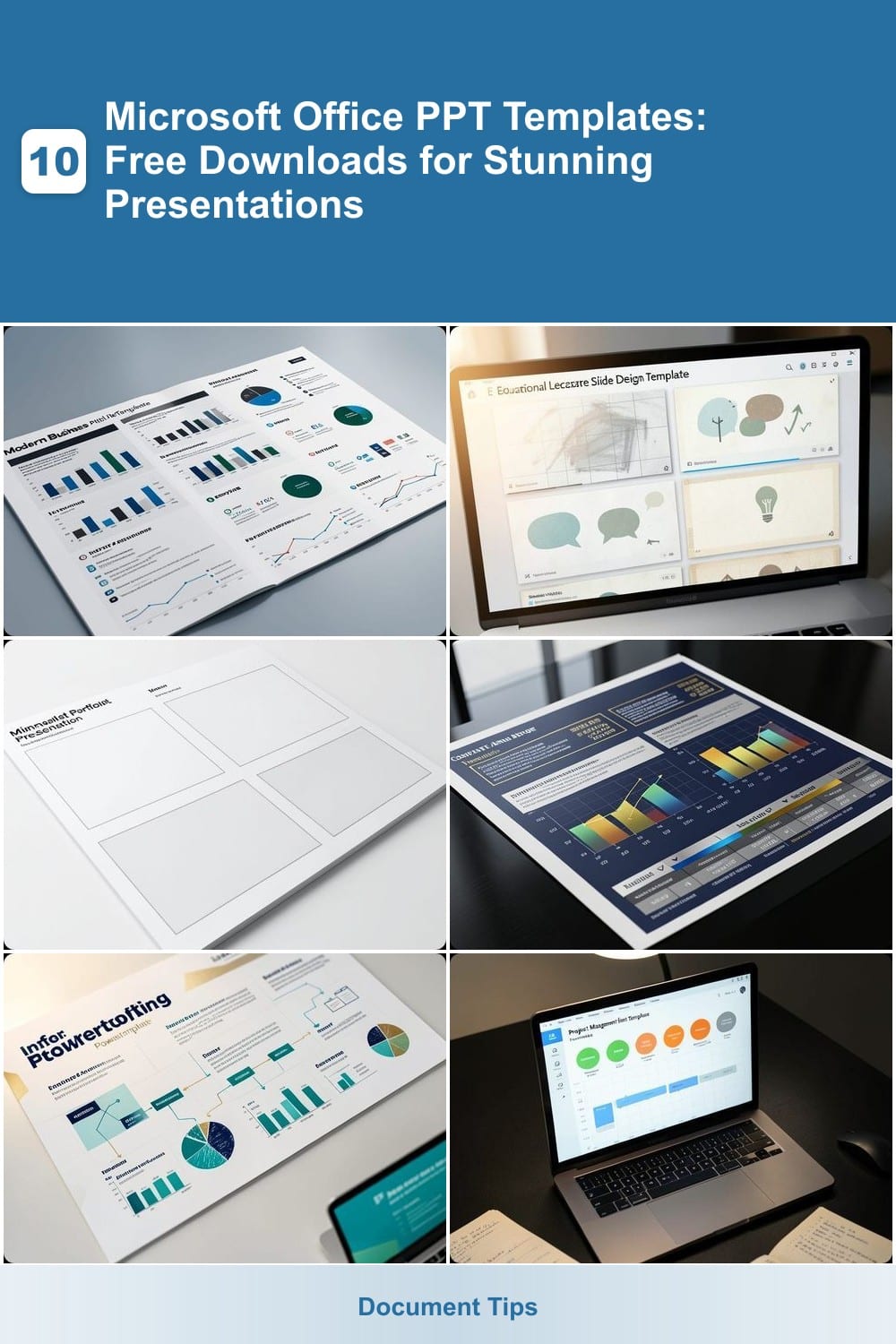
First impressions matter—especially when pitching to investors. This Modern Business Pitch Deck Template is designed to turn heads with its investor-approved layouts, ensuring your startup’s vision shines through data-driven storytelling.
Packed with pre-built financial charts, bold typography, and slide transitions that feel professional, it includes placeholders for key metrics like revenue projections and market analysis. The dark blue and white color scheme exudes confidence, while the clean typography keeps focus on your content—not distractions.
Perfect for bootstrappers and founders, this template cuts design time to minutes, letting you focus on what matters: closing the deal. Download it from Microsoft’s official template library for zero-config, hassle-free use. ✨
Educational Lecture Slide Design
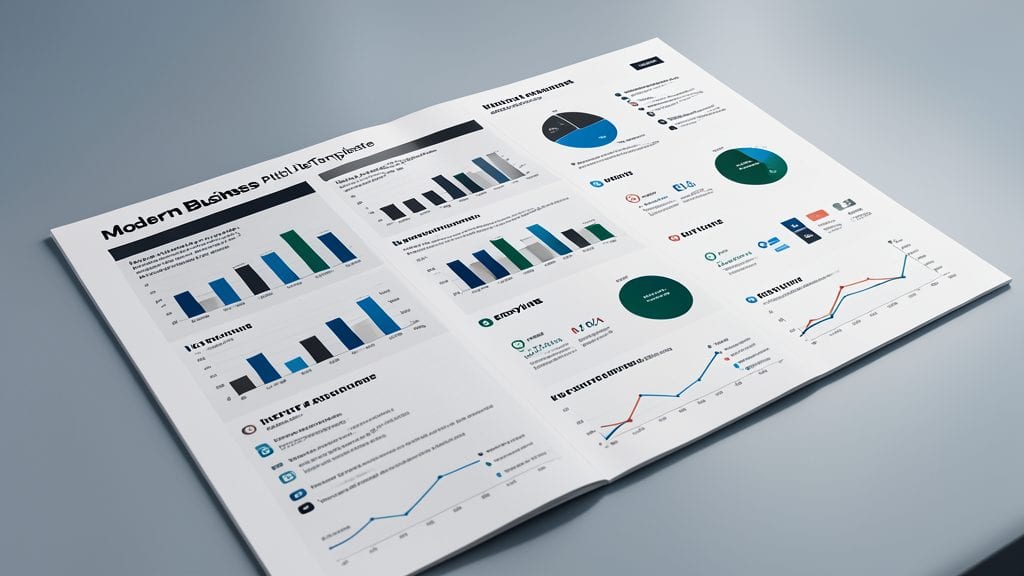
Tired of staring at blank slides during lectures? This Educational Lecture Slide Design template transforms your lessons with interactive elements and speaker notes built right in—no extra tools needed.
With 12 pre-designed slide layouts, including whiteboard-style backgrounds and icon placeholders, you’ll keep students focused while effortlessly adding multimedia. The clean typography and color-coded sections make complex topics easier to digest, and the hidden notes pane lets you jot down talking points without cluttering your slides.
Perfect for K-12 educators, college professors, and corporate trainers, this template works seamlessly in PowerPoint 2016/2019/365 and even the online version. Download it for free and turn passive lectures into dynamic learning experiences. ✨
Minimalist Portfolio Presentation
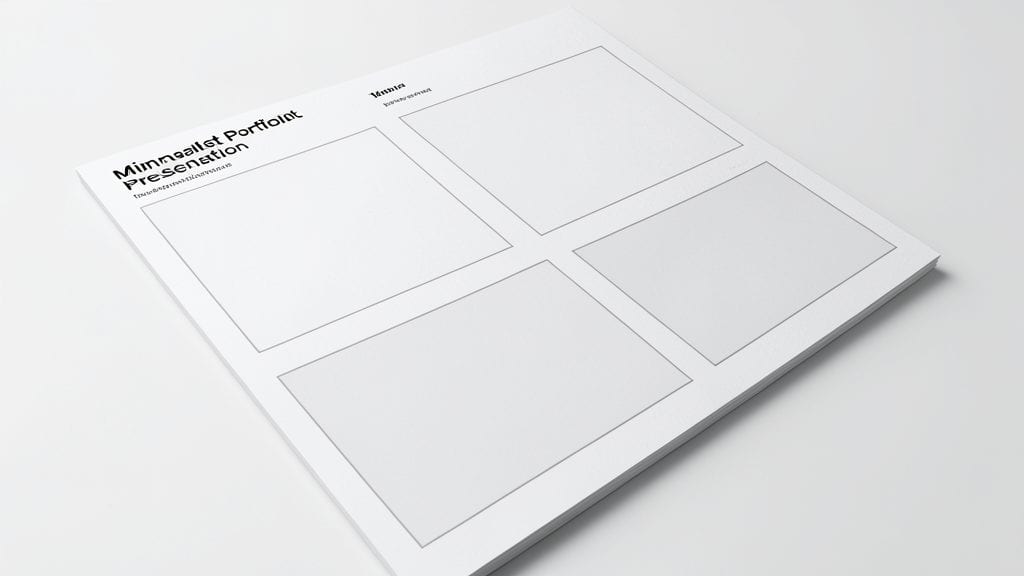
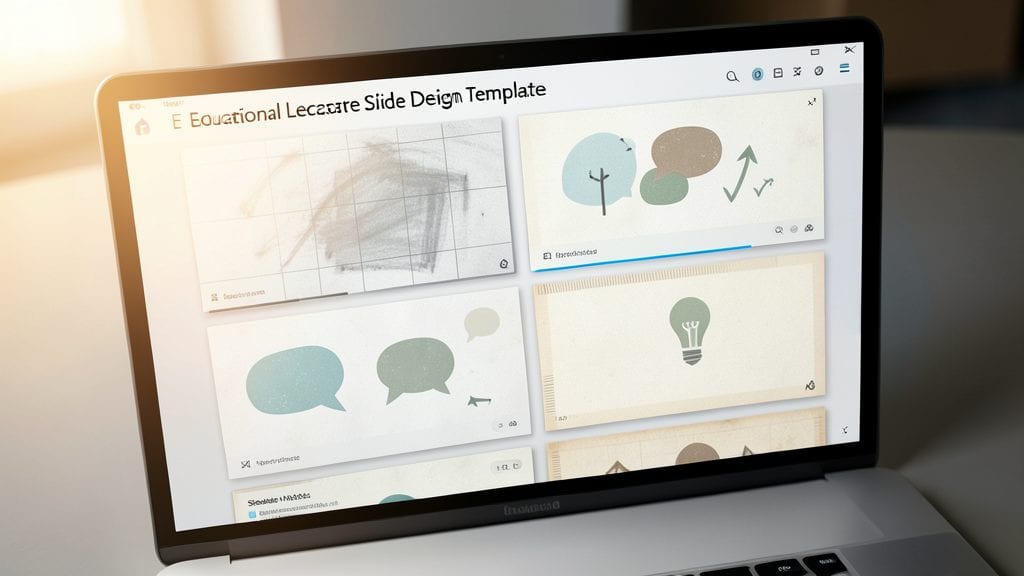
Your portfolio deserves to speak for itself—without competing with flashy distractions. This Minimalist Portfolio Presentation template is built for creatives and freelancers who want their work to shine, featuring large image placeholders and a grid-based layout that guides the viewer’s eye directly to your best pieces.
The template’s neutral color palette ensures your branding stays the focus, while bold typography and customizable sections let you highlight projects, skills, and client testimonials effortlessly. Compatible with Microsoft PowerPoint 2016/2019/365, it’s ready to download and personalize in minutes—no design skills required.
Perfect for graphic designers, photographers, and freelancers, this template turns your work into a polished, professional showcase that potential clients can’t ignore. ✨
Corporate Annual Report Template
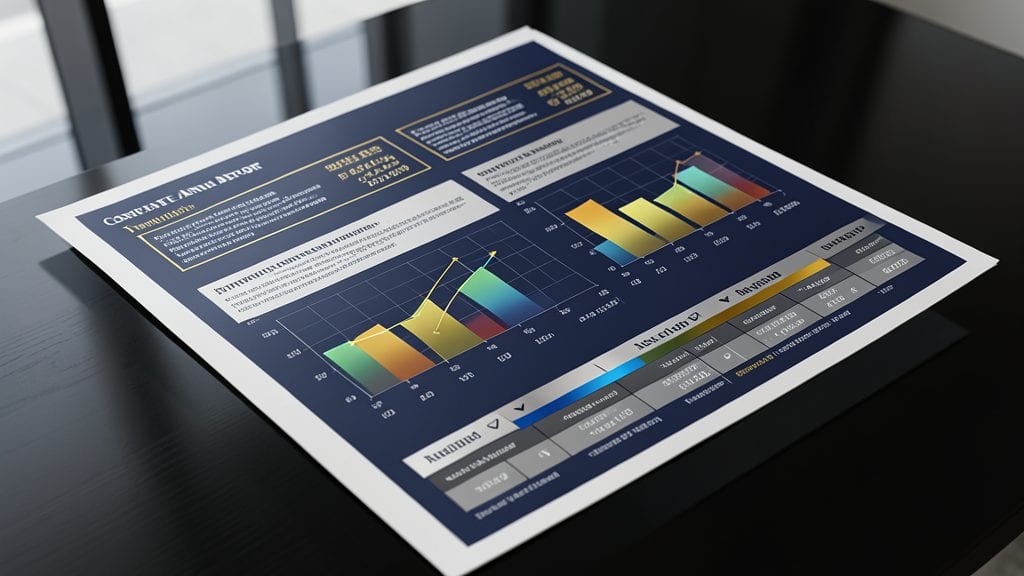
If crunching numbers and drafting annual reports feels like a marathon, this Corporate Annual Report Template turns the process into a sprint. Designed specifically for C-suite executives and financial teams, it eliminates the guesswork with pre-formatted graphs, timeline visuals, and executive summary placeholders—all optimized for clarity and impact.
The template includes customizable financial charts (line, bar, and pie graphs), milestone trackers for key achievements, and brand-consistent color schemes to align with corporate identity. With slide transitions and animation effects pre-configured, you can focus on content rather than design. Best of all, it’s fully compatible with Microsoft PowerPoint 2016, 2019, and 365, ensuring seamless integration into your workflow.
Ideal for quarterly reviews, investor presentations, or full annual reports, this template saves hours of formatting while ensuring polished, professional results. ⚡
Creative Infographic Storytelling
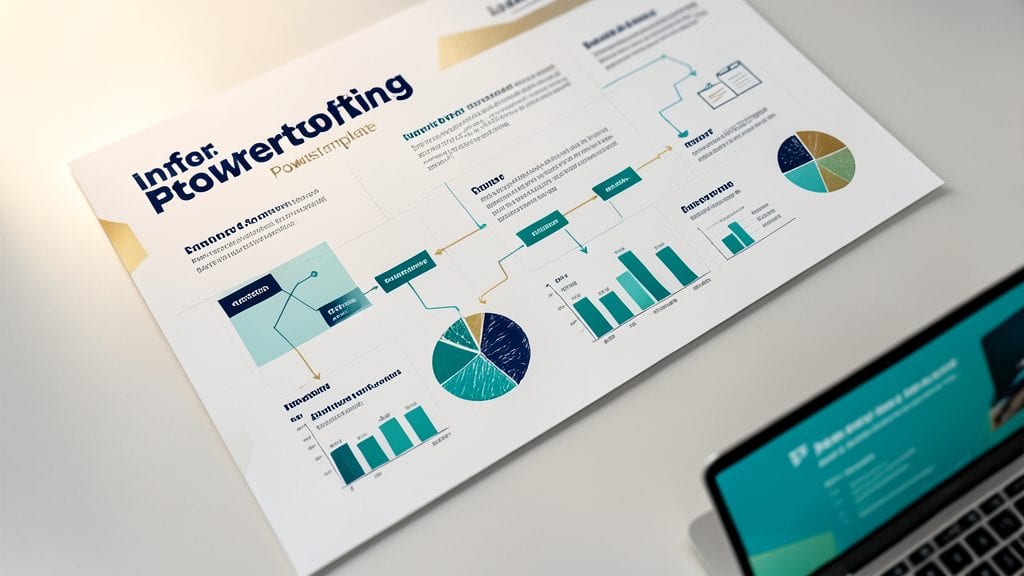
Turn complex data into eye-catching stories with this infographic storytelling template, designed to help marketers and content creators present information in engaging, visual formats. Whether you're sharing market trends, process workflows, or brand statistics, this template simplifies the process with pre-designed layouts and drag-and-drop elements.
Featuring customizable icon libraries (over 500+ icons), 12+ color schemes, and responsive data visualization tools, you can tailor every detail to match your brand or project needs. The template includes smart placeholders for text, images, and charts, ensuring your infographics look polished without requiring design expertise. Compatible with Microsoft PowerPoint 2016 and later, it’s ready to use across all devices.
Ideal for social media marketers, bloggers, and educators, this template turns dry data into shareable content that drives engagement. Perfect for presentations, reports, or digital campaigns—no design skills required! ✨
Project Management Timeline Template
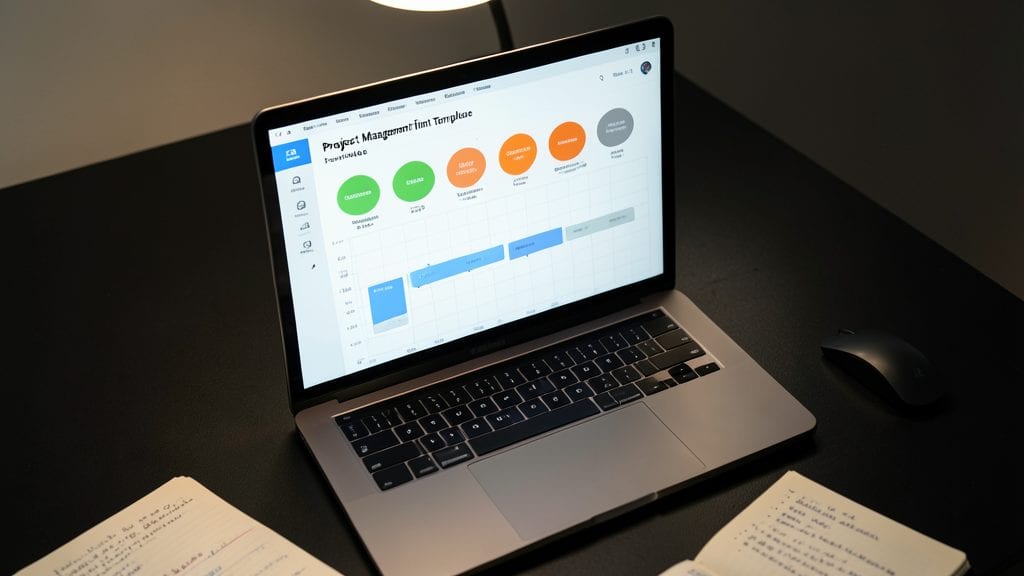
Keeping projects on track just got easier with this Project Management Timeline Template, packed with interactive tools to visualize progress and deadlines. The built-in Gantt chart lets you drag-and-drop tasks, while milestone trackers highlight key achievements with customizable color-coding for quick status updates.
Designed for collaboration, it includes a team progress dashboard where stakeholders can update statuses in real time, reducing email clutter. Pre-formatted slides for risk assessment and resource allocation ensure you cover every critical aspect—no design skills required. Compatible with PowerPoint 2016+, it’s ready to use across Windows, Mac, and Office 365.
Ideal for agile teams, freelancers managing multiple clients, or anyone juggling tight deadlines, this template turns chaos into clarity. 💪
Personal Resume and Career Presentation
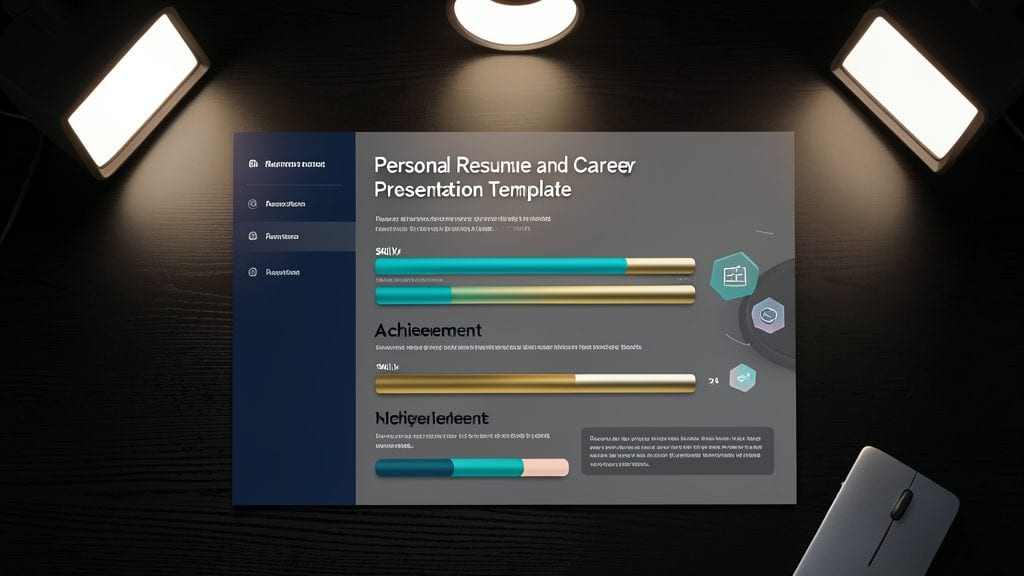
Standing out in a job interview starts with a visual resume that grabs attention. This Personal Resume and Career Presentation template transforms your work history into a dynamic, engaging slideshow—complete with skill bars, achievement highlights, and a sleek two-tone design that keeps recruiters focused on you, not the slides.
With pre-built sections for education, experience, and certifications, you can customize colors, fonts, and icons to match your personal brand. The interview-friendly layout ensures smooth transitions between topics, while built-in timers help you stay on track. Plus, it’s fully compatible with Microsoft PowerPoint 2016 and later, so you can edit and present with zero compatibility issues.
Perfect for job seekers in tech, marketing, or creative fields, this template turns your resume into a story—not just a list. Download it to make your next interview unforgettable. ✨
Event Planning and Marketing Template
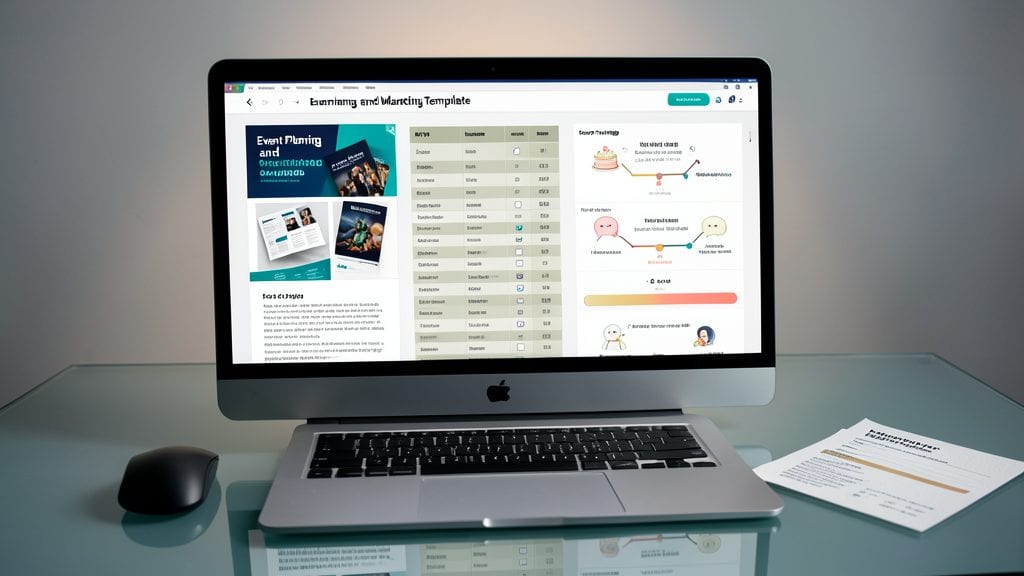
If you’re juggling event logistics, this Event Planning and Marketing Template is your secret weapon. It combines RSVP tracking tables, customizable promotional graphics, and interactive timelines—all in one sleek PowerPoint package. No more scrambling to design invitations or timelines from scratch.
The template includes pre-built event countdowns, venue layouts, and social media mockups to streamline promotion. With drag-and-drop RSVP sections, you can track guest responses in real time, while color-coded timelines keep your team aligned. Best of all, it’s fully editable in PowerPoint 2016+ and works seamlessly with Microsoft 365.
Ideal for wedding planners, conference organizers, or corporate event teams, this template cuts planning time by 50%. Download it and turn chaos into a polished, professional event in minutes. ✨
Scientific Research Presentation Design
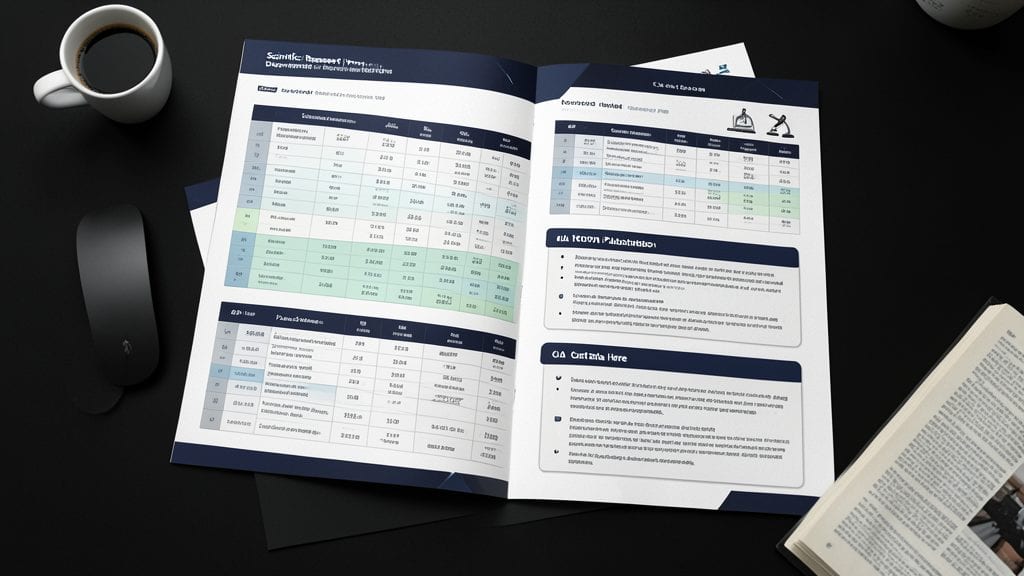
Tired of fumbling with disjointed slides during research presentations? This Scientific Research Presentation Design template is your lifesaver, blending pre-formatted data tables with citation placeholders (APA, MLA, Chicago) to keep your work structured and credible.
Built for academics and researchers, it includes slide layouts for methodology, results, and discussion, along with customizable equation boxes and color-coded sections to highlight key findings. The dark theme reduces eye strain during long presentations, while the built-in references section ensures proper attribution without manual formatting headaches.
Perfect for PhD candidates, lab researchers, or professors presenting at conferences—this template turns complex data into a polished, professional narrative with minimal setup. ⚡
Social Media Campaign Template
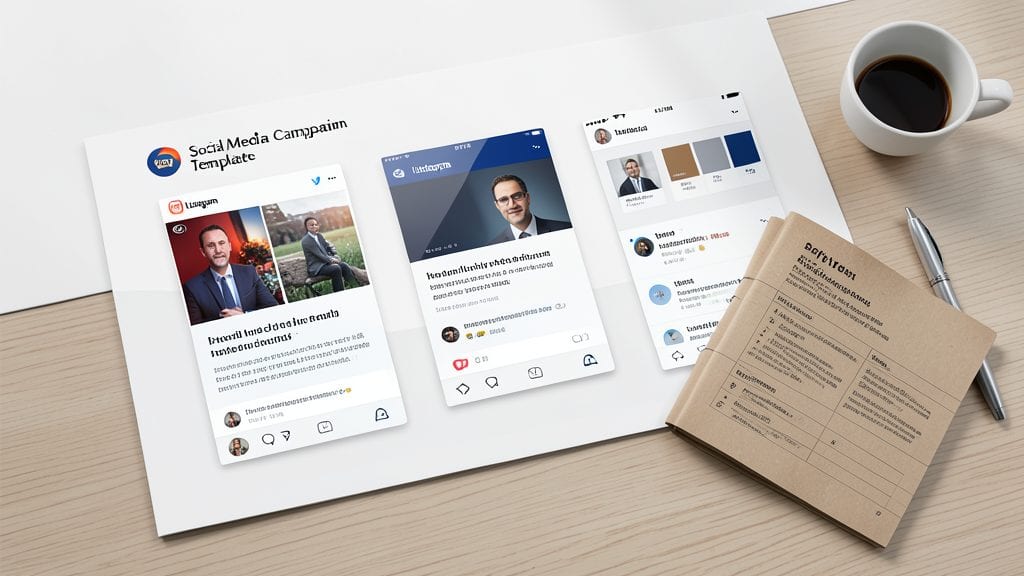
If your social media campaigns feel disjointed or lack brand consistency, this Social Media Campaign Template is your game-changer. It combines ready-to-use post mockups for Instagram, LinkedIn, and Twitter with a built-in brand style guide—so every post looks cohesive without starting from scratch.
The template includes pre-designed engagement metrics slides to track performance, customizable color palettes, and platform-specific layouts (e.g., carousel templates for Instagram, quote cards for LinkedIn). No design skills needed—just plug in your brand colors, logos, and content to save hours of manual work.
Perfect for freelance marketers, small agencies, or in-house teams launching multi-platform campaigns. Download it, tweak the slides, and hit publish with a polished, professional look every time. ✨