
PowerPoint
High school students can turn ordinary assignments into extraordinary projects using Microsoft Office tools. These 10 creative projects leverage Word, Excel, PowerPoint, and Publisher to showcase skills while impressing teachers and standing out in class.
Interactive Digital Yearbook Using Publisher
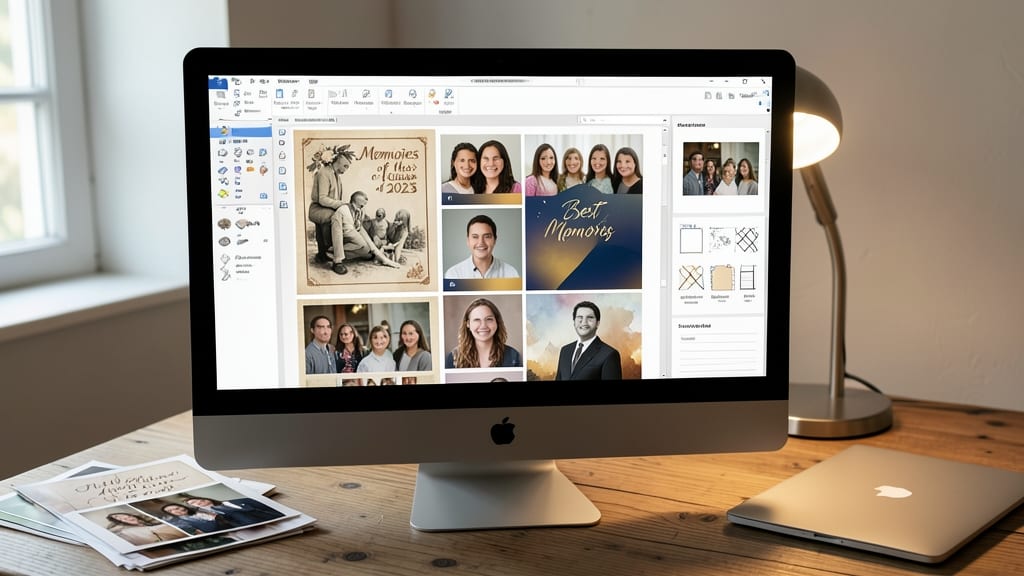
Want to create something that’s both visually stunning and deeply personal? A digital yearbook in Microsoft Publisher lets you blend photography, design, and storytelling into one polished project—perfect for art classes or end-of-year celebrations.
Start with Publisher’s pre-built templates (like the "Yearbook" layout) and customize it with vibrant photo grids, custom illustrations, and dynamic typography. Add interactive elements like clickable photo galleries or hidden notes from classmates, and use color gradients to create a cohesive aesthetic. For extra flair, embed short video clips (like student interviews) or animated text for headlines—all without coding.
This project is ideal for art students, yearbook staff, or anyone who loves design, proving you can turn a school tradition into a modern, digital masterpiece that wows teachers and peers alike. ✨
Data-Driven School Improvement Plan in Excel
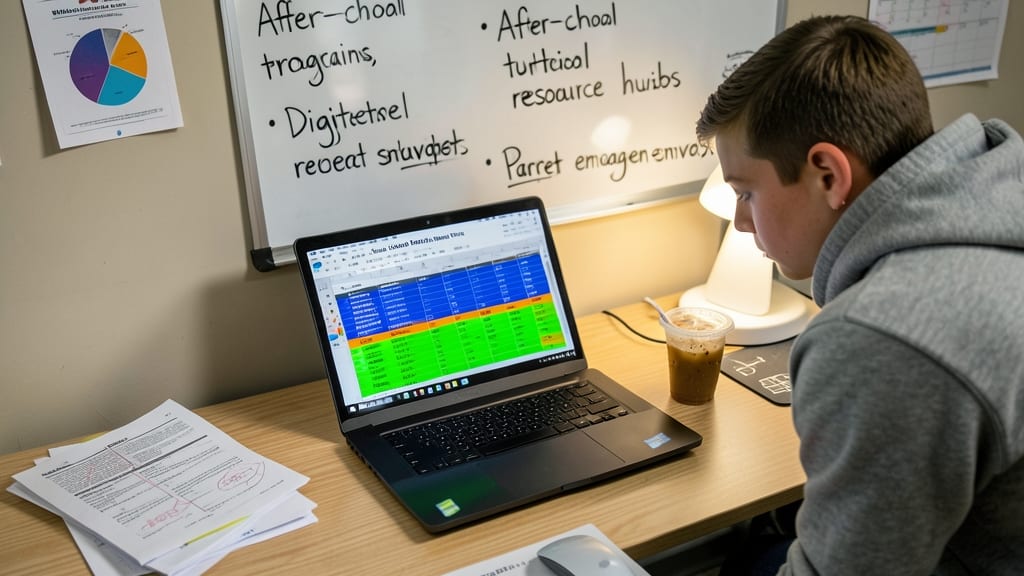
Want to turn school data into real-world impact? A Data-Driven School Improvement Plan in Excel lets you analyze grades, attendance trends, and teacher feedback to propose concrete solutions—like after-school tutoring programs or digital resource hubs. This project bridges research and leadership by combining raw numbers with actionable insights.
Start by importing school data into Excel and using PivotTables to spot patterns (e.g., declining math scores in 10th grade). Add conditional formatting to highlight trends and Sparkline charts to visualize progress over time. For the final touch, create a dashboard with interactive filters so teachers can explore the data themselves. No coding skills needed—just logical thinking and Excel’s built-in tools.
Perfect for STEM students, student council members, or future educators, this project proves you can use data to drive change. It’s also a great way to practice skills like statistical analysis and persuasive presentations—skills that’ll impress college admissions or future employers. 💡
Animated Presentation on Climate Change in PowerPoint

Turn a dry science topic into a gripping story with a PowerPoint presentation that combines animations, embedded videos, and interactive elements—perfect for climate change research projects. Instead of static slides, you can make data come alive with morph transitions, exploding infographics, and even short documentary clips to show real-world impacts.
Use PowerPoint’s built-in animation tools to highlight key statistics (like rising temperatures) with smooth entrance effects, while video embeds let you include TED Talks or NASA climate reports directly in your slides. The Morph transition (available in PowerPoint 2019+) lets you smoothly transform one graph into another, keeping your audience engaged. For extra polish, add triggers to make elements appear on click, like a melting glacier animation that plays when you discuss sea-level rise.
This project shines for science or social studies students who want to go beyond bullet points. It’s also a great way to practice digital storytelling—a skill useful in college or future careers. ⚡
Personal Branding Resume and Cover Letter in Word
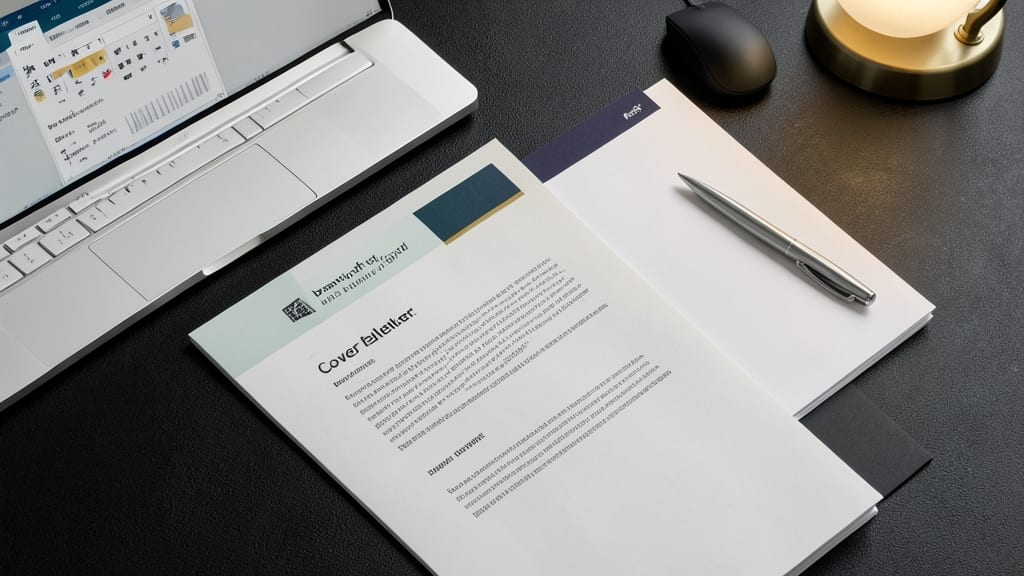
Standing out in college applications or job interviews starts with a polished resume and cover letter—and Microsoft Word makes it easier than ever to create one that looks professional. This project isn’t just about filling in details; it’s about branding yourself with a clean layout, strategic formatting, and a design that reflects your personality while keeping it sharp for future opportunities.
Start with Word’s built-in resume templates, which offer modern designs optimized for readability and impact. Use the cover letter builder to align your pitch with job descriptions, then customize fonts (like Calibri or Arial) and spacing to match your industry. Add a subtle color accent—like a header or footer—to make it memorable without being distracting. For extra flair, include a skills section with icons or a summary paragraph that ties your experience to your goals.
Perfect for students in career tech classes, business programs, or college prep, this project builds skills that translate directly to real-world job searches. Whether you’re applying for internships or saving your resume for later, this is your chance to practice professional branding—a skill that pays off for years. ✨
Interactive History Timeline with Hyperlinks in PowerPoint
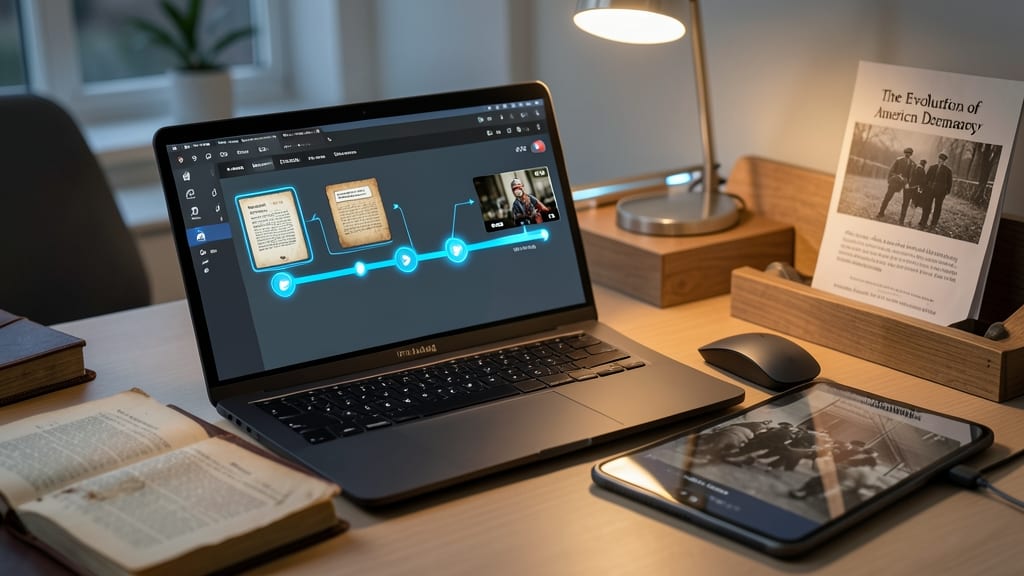
Ditch the boring textbook timeline—your history project just got an upgrade. With PowerPoint’s hyperlink tools, you can turn a static assignment into an interactive journey through time, where each event connects to images, videos, and external sources like primary documents or museum exhibits.
Start by designing a visual timeline with key dates and events, then use insert hyperlinks to attach related media. For example, link the American Revolution to a video of the Boston Tea Party or a World War II slide to a map of D-Day landings. Add triggers (like clicking a flag icon) to reveal hidden details, making your presentation pop with engagement.
This project is ideal for history buffs who love storytelling—whether you're exploring ancient civilizations, modern revolutions, or scientific breakthroughs. It’s also a great way to stand out in class while showcasing research skills your teacher will love. ✨
Budget Tracker for Student Life in Excel

Struggling to balance a part-time job, textbooks, and pizza nights? A Budget Tracker in Excel turns financial stress into a hands-on learning experience—while teaching skills that’ll save real money later.
Build a dynamic spreadsheet with income/expense categories, automatic percentage calculations, and color-coded alerts when you overspend. Use pie charts to visualize spending habits and conditional formatting to highlight over-budget areas. For extra flair, add a monthly summary dashboard with trends—no coding required!
Perfect for personal finance classes or students ready to take control of their money. Whether tracking hypothetical budgets or real allowance, this project proves Excel isn’t just for numbers—it’s a money-management superpower. ✨
Multimedia Book Trailer in PowerPoint or Sway
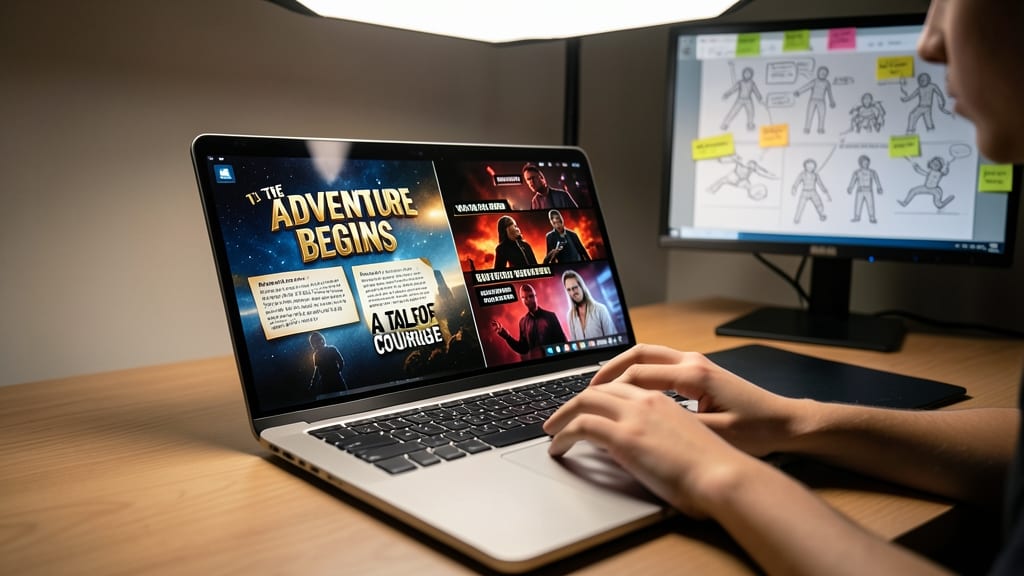
Turn a book report into a mini movie trailer using PowerPoint or Microsoft Sway—no film degree required! This project blends creativity with tech skills by crafting a visually engaging preview with text animations, voiceovers, and cinematic transitions that bring a book to life.
Start by designing slides with dramatic text overlays (think "coming soon" style) and embed images, short video clips, or even background music for atmosphere. Use morph transitions to smoothly shift between scenes, and record a voiceover to narrate key plot points. For extra flair, add zoom effects on book covers or highlight important quotes with animated callouts.
Perfect for English classes or creative writing assignments, this project lets you showcase both storytelling skills and tech proficiency—plus, it’s way more fun than a traditional book report! ✨
School Newspaper Layout in Publisher
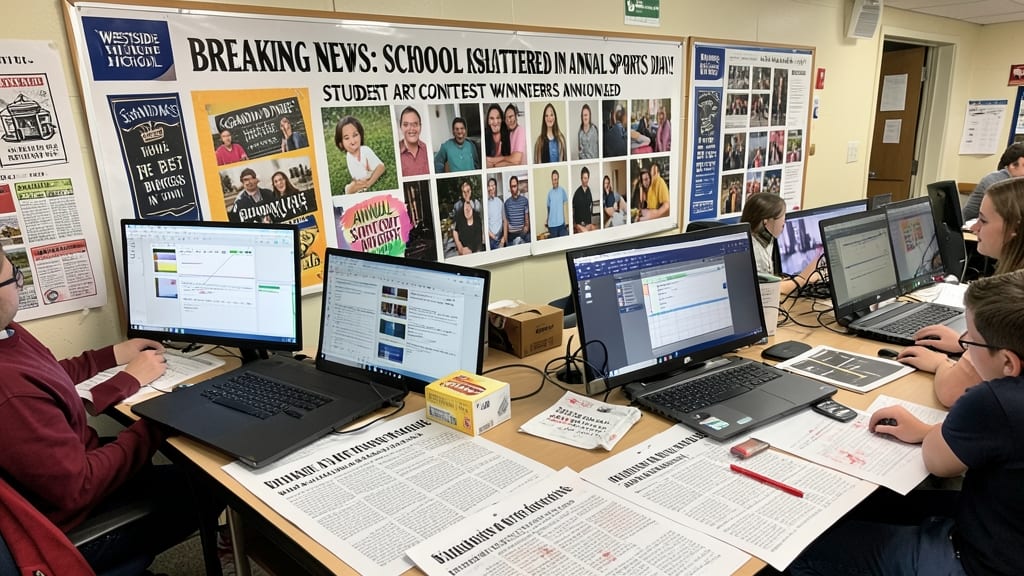
Turn your classroom into a real newsroom with Microsoft Publisher’s newspaper templates, where you can design a multi-page school newspaper complete with headlines, ads, and photo galleries—just like the pros.
Start with pre-built newspaper layouts and customize them with your school’s logo, bold typography, and color schemes that match your publication’s vibe. Add classified ads (like student services or sports gear), interview articles with sidebars, and even a sports section with scores and player stats. Use Publisher’s image tools to crop photos and add captions for a polished look.
This project is perfect for journalism clubs, media arts classes, or student council teams looking to launch a real publication. It’s your chance to practice editing, design, and teamwork—skills that’ll impress teachers and land you a spot on the yearbook staff too! ✨
Personalized College Application Portfolio in Word
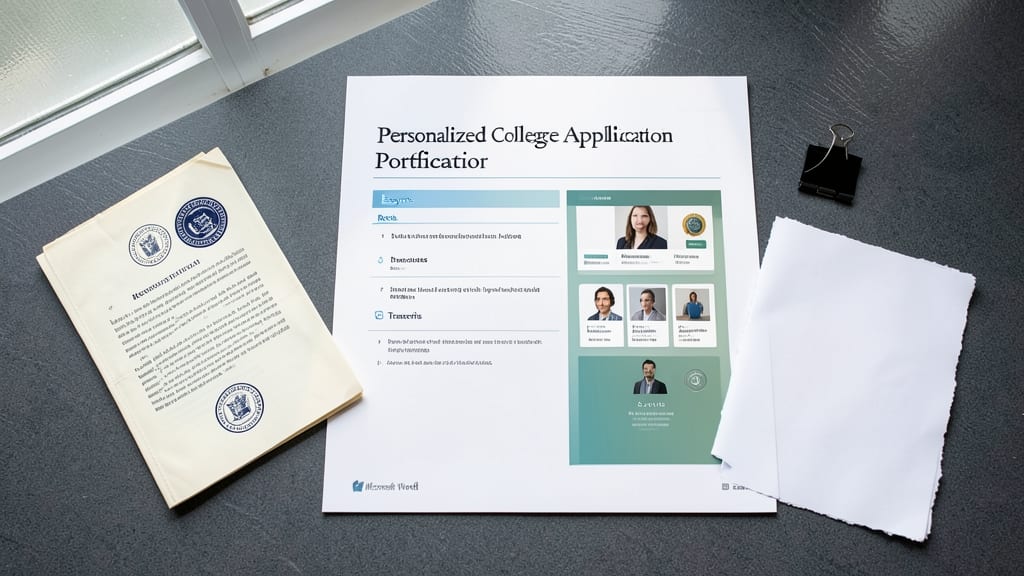
Struggling to keep track of every essay, recommendation letter, and transcript during the college application rush? A Personalized College Application Portfolio in Word turns chaos into a polished, professional showcase—all while teaching you skills admissions officers notice.
Start with Word’s built-in templates like "Modern Portfolio" or "Professional Resume" to create sections for essays, transcripts, and recommendation letters. Use tabbed navigation (via hyperlinks) to let reviewers jump between documents instantly, and embed a personalized cover letter explaining your goals. For extra polish, add a table of contents that auto-updates as you refine your materials. This isn’t just organization—it’s a visual story of your achievements, ready to impress admissions teams.
Perfect for college-bound seniors or students in advanced placement courses, this project proves you can balance creativity with precision—just like top applicants. ✨
Interactive Math Problem Solver in Excel
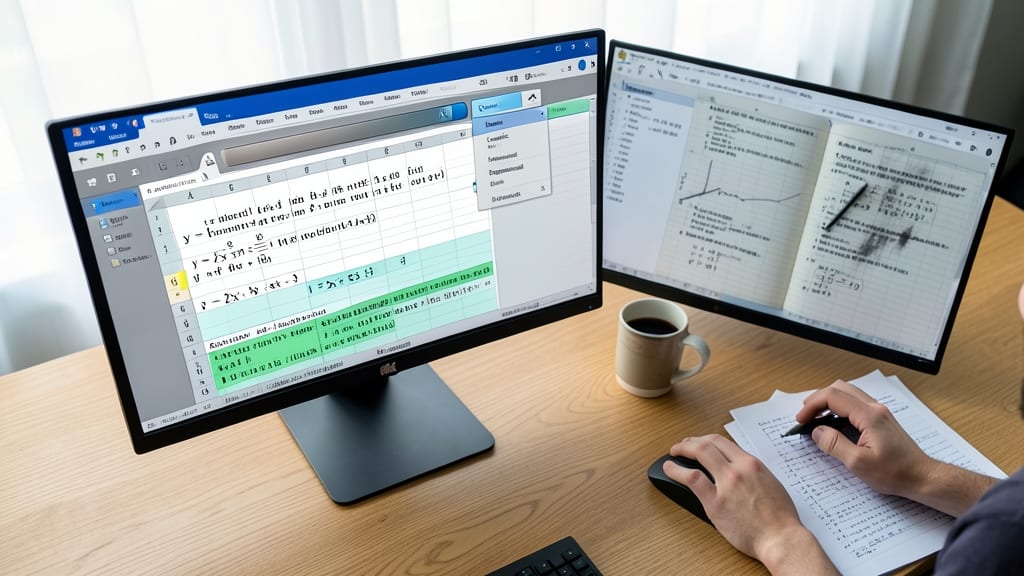
Struggling with algebra? Turn your math homework into an interactive learning tool using Excel’s hidden superpowers. Instead of static equations, create a dynamic worksheet where users adjust variables with sliders, select problem types via dropdowns, and see solutions update instantly—no coding required.
Start with data validation dropdowns to let users pick equation types (linear, quadratic, etc.), then add scroll bars for coefficients. Use conditional formatting to highlight correct/incorrect answers, and nest IF statements to show step-by-step solutions. For geometry, overlay shapes with Excel’s drawing tools and link them to calculations—like a digital math lab. The Sparkline feature can even visualize trends in sequences or functions.
This project shines for visual learners or students who want to teach concepts to peers. Teachers love it because it demonstrates critical thinking beyond rote memorization. Plus, you’ll master Excel skills that apply to future STEM careers. ✨