
Operating System
Struggling to stay organized in OneNote? These 10 free 2023 planner templates transform your digital notebook into a productivity powerhouse, whether you're managing work projects, school assignments, or personal goals. All templates work seamlessly with the latest OneNote version.
Minimalist Daily Task Planner
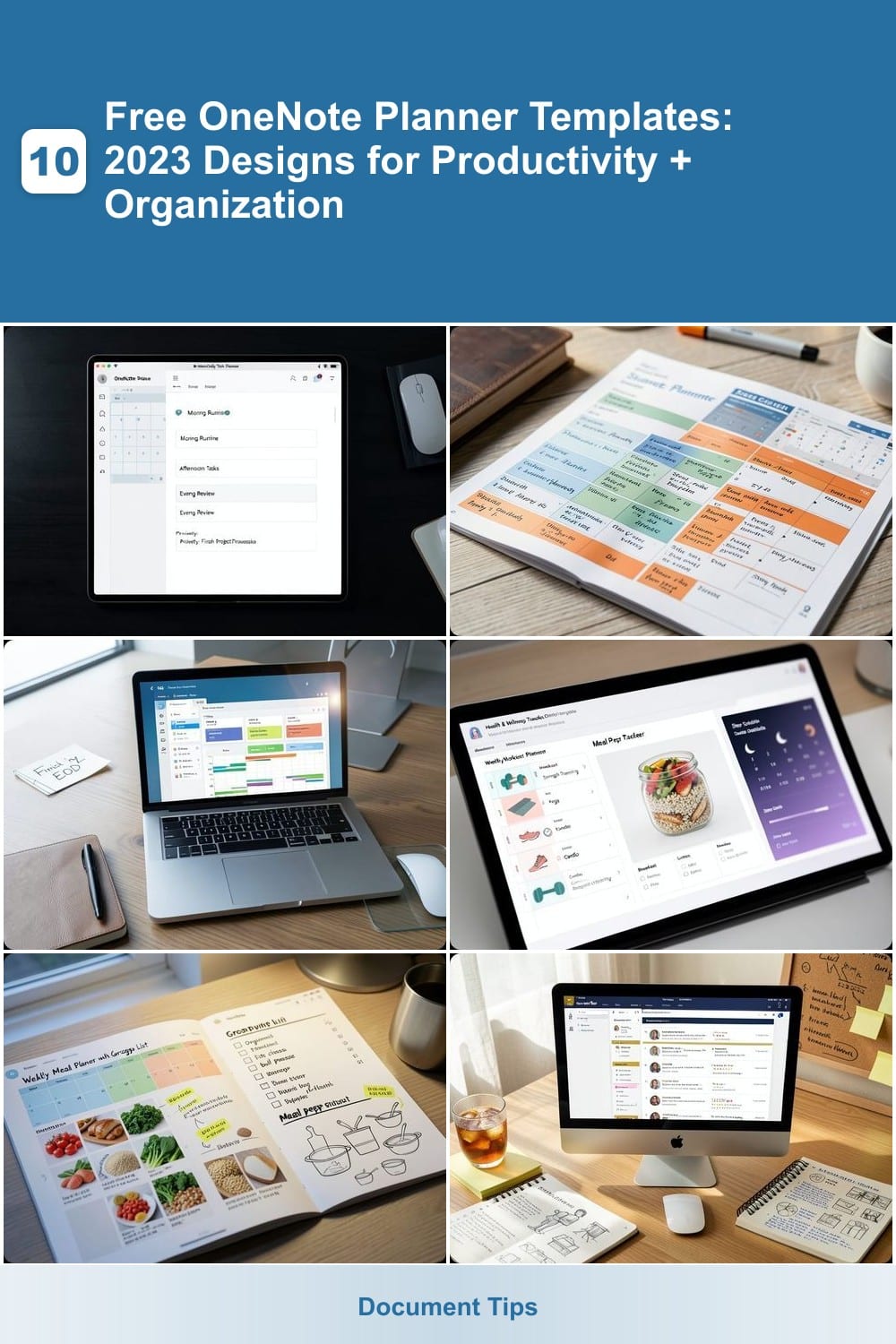
If you're drowning in endless to-do lists and endless tabs, the Minimalist Daily Task Planner cuts through the clutter with a zero-fuss design that focuses on what matters most: your priorities. This free OneNote template from Microsoft’s official community templates library eliminates visual noise, replacing it with structured sections for high-priority tasks, deadline tracking, and quick notes—all in a single, distraction-free view.
The template features color-coded task categories (red for urgent, yellow for time-sensitive, green for low-priority) and a dedicated "Quick Notes" section for spontaneous ideas. It’s optimized for OneNote’s desktop and mobile apps, so you can access it seamlessly whether you’re at your desk or on the go. The subtle grid layout provides just enough structure without overwhelming your workflow, making it ideal for professionals who thrive on simplicity.
This template is perfect for executives, freelancers, or anyone juggling multiple responsibilities who want to reduce mental load. By limiting choices and focusing on actionable items, it helps you start your day with clarity and end it without overwhelm. ✨
Student Semester Planner Template
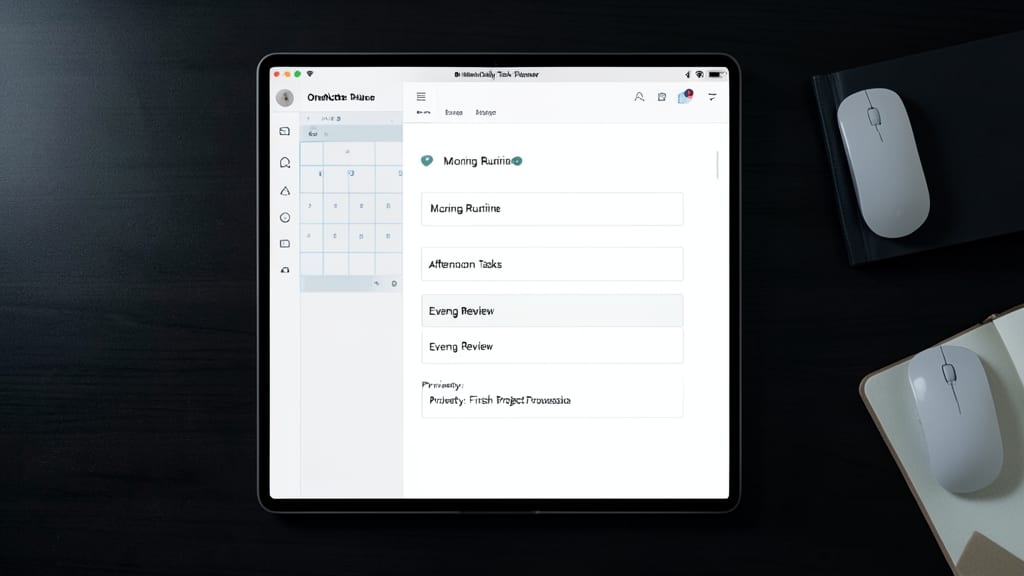
If back-to-school season has you drowning in syllabi and deadlines, this Student Semester Planner Template turns chaos into clarity. Built specifically for college life, it combines syllabus tracking with assignment deadlines and study schedule blocks—all designed to sync with Microsoft Calendar so your academic commitments automatically update across devices.
The template includes dedicated sections for course-specific notes, a visual semester timeline, and checkboxes for assignment completion. You’ll also find built-in study blocks that adapt to your class schedule, helping you balance reading, projects, and exams without overloading your mental to-do list. The pastel color-coding makes it easy to distinguish between courses at a glance.
Perfect for undergrads juggling multiple classes, this template works seamlessly on both OneNote desktop and mobile. Whether you're cramming for finals or planning weekly study sessions, it keeps everything in one place—no more scattered sticky notes or forgotten deadlines. ✨
Project Management Dashboard
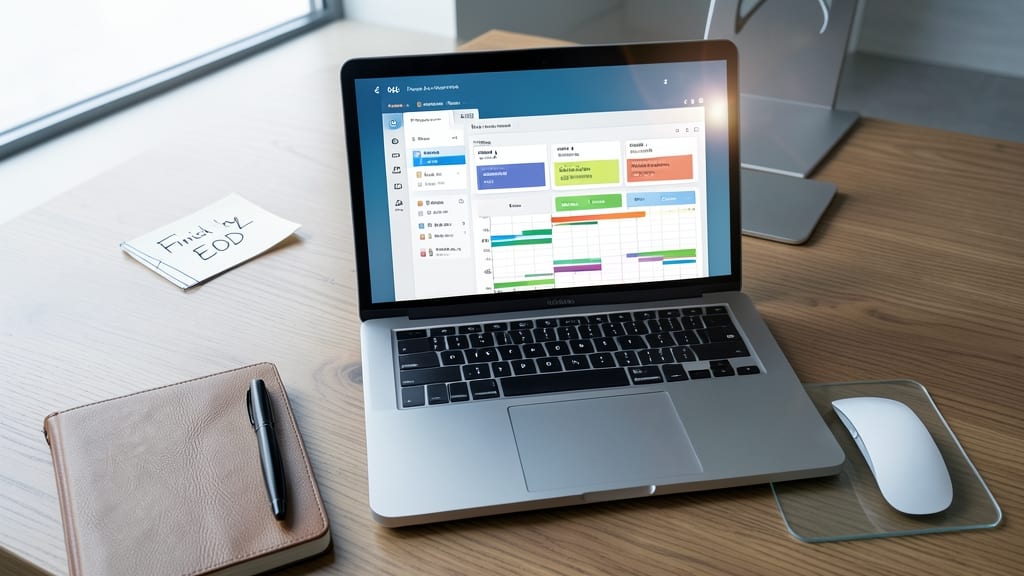
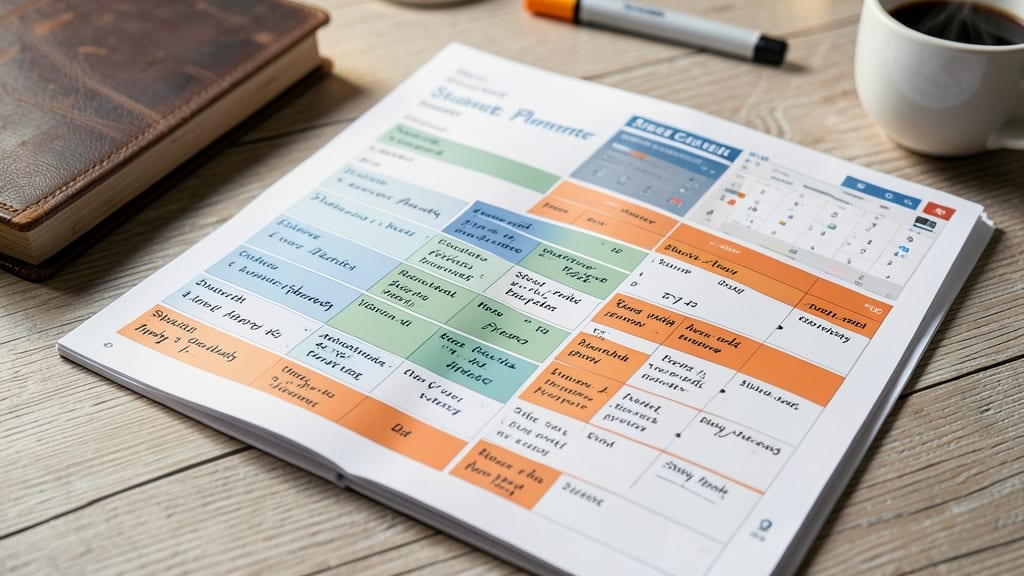
Juggling multiple client projects without losing track of deadlines? This Agile-inspired Project Management Dashboard brings professional-grade organization to OneNote, blending Kanban boards with Gantt chart visuals—no spreadsheets required.
Drag-and-drop tasks between To Do, In Progress, and Done columns while tracking timelines in a built-in Gantt chart view. The template even includes team collaboration sections with @mentions and shared task lists, making it perfect for remote teams or solo freelancers managing multiple clients.
Ideal for small business owners who need real-time progress tracking without switching tools, this template syncs across OneNote desktop and mobile for on-the-go updates. ⚡
Health & Wellness Tracker
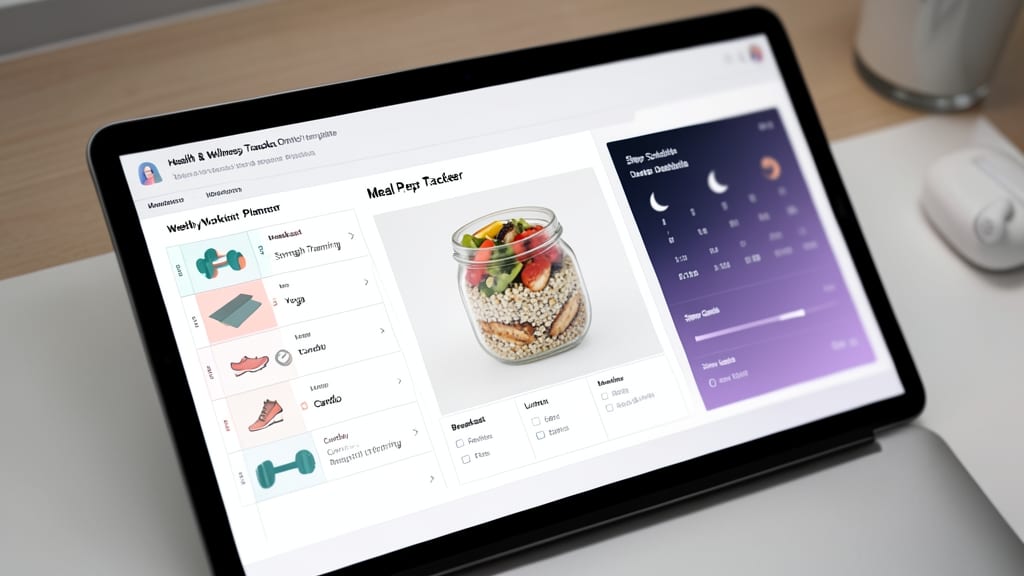
If you’ve ever felt overwhelmed juggling fitness routines, meal prep, and sleep schedules, this Health & Wellness Tracker template brings it all together in one sleek digital space. Designed specifically for OneNote, it eliminates the need for multiple apps by consolidating everything—from workouts and nutrition logs to sleep patterns and daily habits—into a single, intuitive layout.
The template includes pre-built sections for tracking weekly fitness goals (with progress bars), meal planning (complete with grocery lists), and sleep analytics (using simple star ratings). You’ll also find a habit tracker with checkboxes and motivational reminders to keep you accountable. The color-coded design makes it easy to spot trends at a glance, while the mobile-friendly layout ensures you can update your progress on the go.
This is the perfect fit for fitness enthusiasts, busy parents, or anyone serious about improving their overall wellness without the clutter of separate tools. ⚡
Weekly Meal Planner with Grocery List
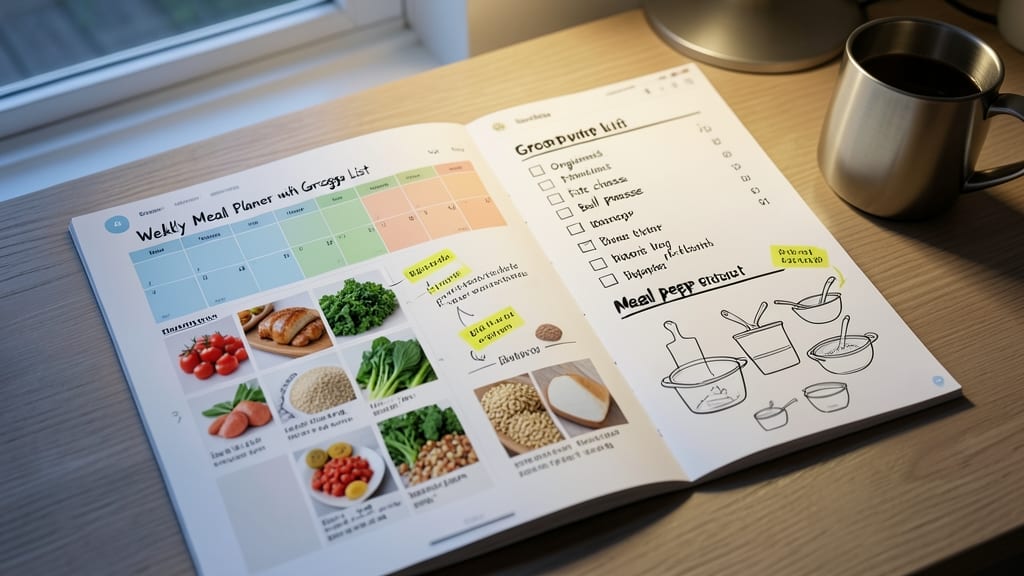
Tired of last-minute grocery runs and forgotten meal ideas? This Weekly Meal Planner with Grocery List template turns your OneNote into a smart kitchen assistant—no cooking skills required. It combines a color-coded weekly calendar with recipe cards, a dynamic grocery list, and meal prep sections to streamline your food planning.
The template includes customizable recipe slots (with space for ingredients and instructions), a that syncs with your shopping trips, and budget-tracking columns to monitor spending. You can even add notes for dietary restrictions or meal prep shortcuts. Best of all, it’s designed to work on both desktop and mobile, so you can update it while standing in the store.
Perfect for busy families, meal-prep enthusiasts, or anyone tired of takeout, this template helps you save money and reduce food waste. Just drag and drop recipes into your schedule, cross off groceries as you shop, and watch your meal planning become effortless. ✨
Creative Writer's Story Planner
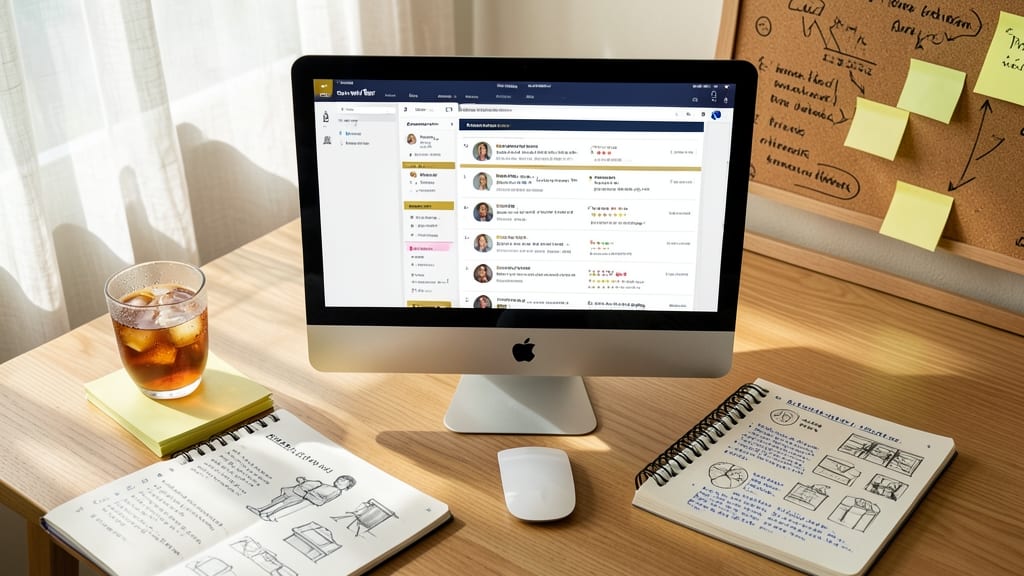
Stuck staring at a blank page while your novel’s characters, plot twists, and research notes scatter across sticky notes and notebooks? The Creative Writer’s Story Planner turns chaos into structure with a dedicated OneNote template built just for storytellers.
This template includes character development worksheets with backstory prompts, a three-act plot structure guide with scene-by-scene breakdowns, and a research notes section to track world-building details. The modular layout lets you expand sections as your story grows—no more digging through folders for that one key detail. Best of all, it syncs across OneNote desktop and mobile, so your ideas stay with you everywhere.
Perfect for aspiring novelists, screenwriters, or even game designers mapping out lore—this template turns your creative brainstorming into a battle-tested setup. ✨
Travel Itinerary Organizer
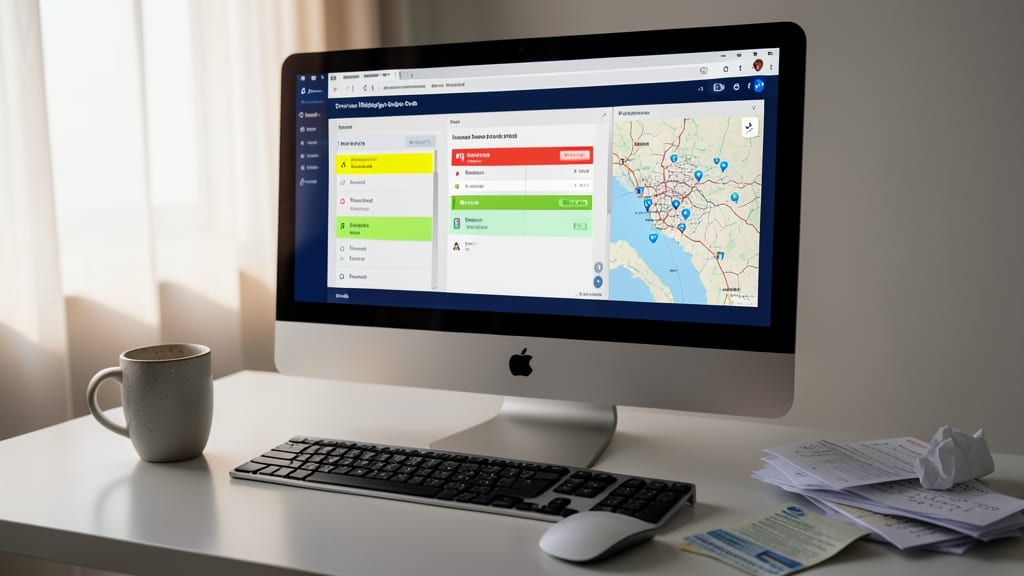
If you're tired of juggling printouts, emails, and scattered notes before trips, the Travel Itinerary Organizer in OneNote consolidates everything into one sleek, searchable hub. No more frantic last-minute packing or missed flight confirmations—this template keeps your entire journey in sync across devices.
You’ll find dedicated sections for flight details (including gate numbers and boarding passes), hotel reservations with check-in/out times, a packing list with checkboxes for essentials, and a budget tracker to monitor spending in real time. The built-in world map lets you visualize your route, while tabs for "Day 1," "Day 2," etc., ensure you’re always prepared for what’s next.
Perfect for frequent flyers, digital nomads, or anyone planning multi-city trips, this template adapts to your itinerary’s complexity—whether it’s a weekend getaway or a month-long adventure. 🌟
Habit Tracker with Gamification Elements
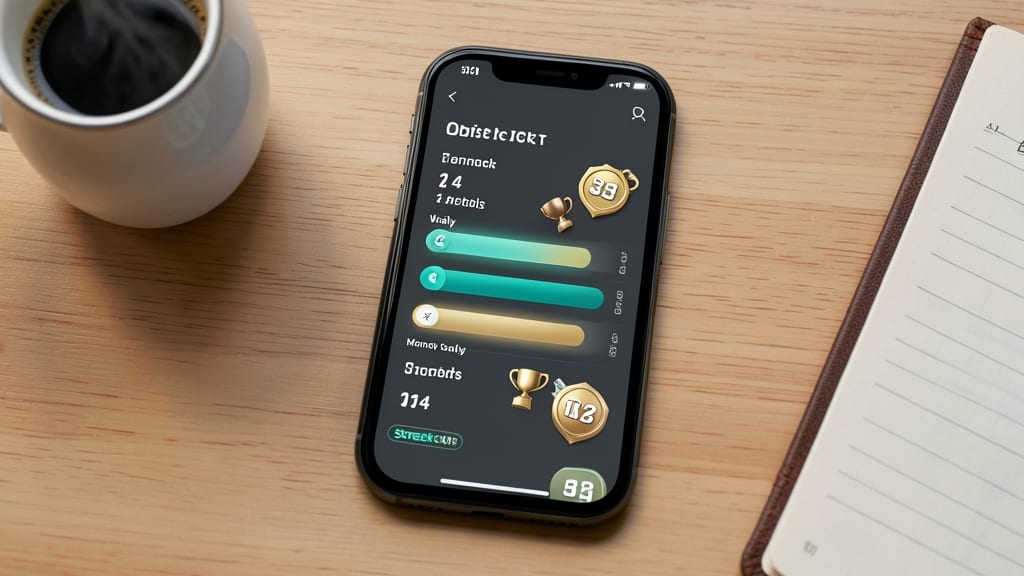
Turn your good intentions into lasting habits with this OneNote habit tracker designed specifically for mobile users. Unlike static checklists, this template transforms behavior change into an engaging experience with visual progress bars, achievement badges, and streak counters—all optimized for touchscreens.
The template includes a 7-day weekly view with color-coded progress bars that fill as you complete daily tasks, customizable badges for milestones (like "7-day streak" or "monthly champion"), and a motivational quote section to keep you inspired. The mobile-friendly layout ensures you can log habits on-the-go, whether you're at the gym, commuting, or waiting in line.
Perfect for anyone looking to build consistency—whether it's reading, meditation, or exercise—this template turns mundane tracking into a rewarding challenge. 🌟
Financial Budget Planner with Expense Tracker
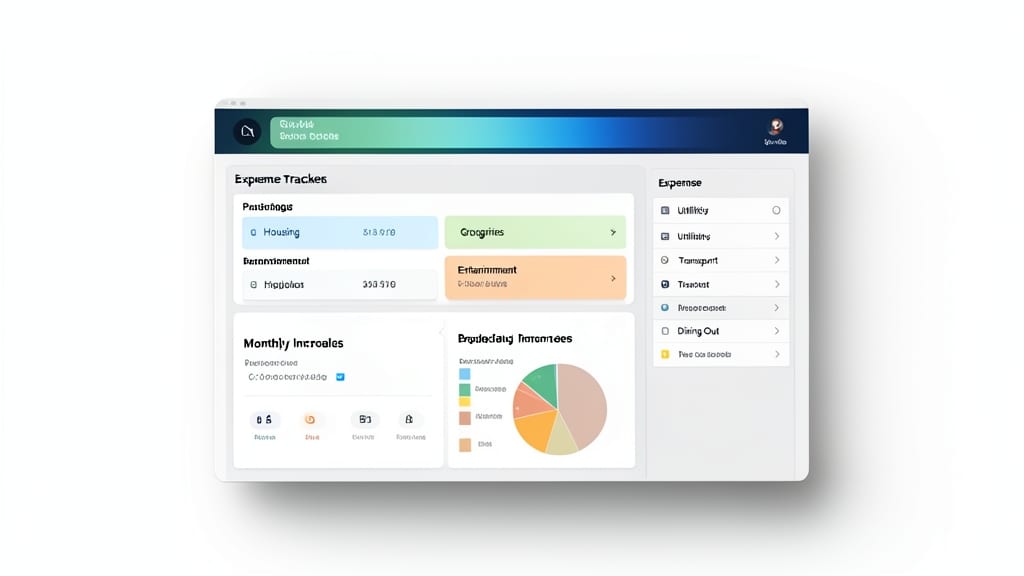
Tired of spreadsheets that make budgeting feel like a chore? This Financial Budget Planner brings clarity to your finances with a visual dashboard that tracks income, categorizes expenses, and highlights savings goals—all in one intuitive OneNote template.
You get pre-built expense categories (housing, groceries, entertainment) with color-coded pie charts to instantly see where your money goes. The savings goal tracker lets you set targets and watch progress in real-time, while the monthly budget overview keeps you aligned with your financial priorities. Best of all, it syncs across OneNote desktop and mobile so you can check your budget anytime.
Perfect for freelancers, recent graduates, or anyone who wants to take control of their finances without the complexity of traditional budgeting tools. 💡
Customizable Blank Planner Template
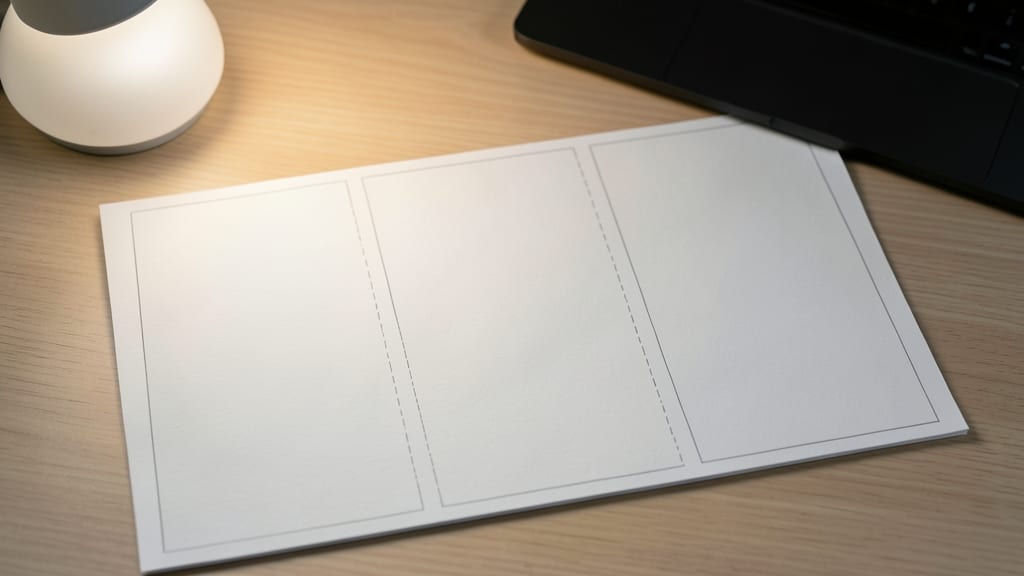
Tired of templates that cramp your style? The Customizable Blank Planner Template hands you a blank canvas with pre-formatted section dividers—no rigid layouts, no forced categories. This is the ultimate "build-your-own" solution for users who thrive on flexibility, like developers designing workflows or researchers mapping complex projects.
You get adjustable column grids, customizable headers, and placeholder text that disappears when you start typing. The template supports OneNote’s full formatting tools, so you can add tables, tags, or even embed files without breaking the structure. Perfect for those who prefer zero-config organization where every section serves your exact needs.
Ideal for power users who want to evolve their system over time—start with a simple daily log, then expand into nested subpages for deep work. The only limit is your imagination. ✨