
Software
Working with dates and times across platforms? These seven standardized formats ensure compatibility in APIs, databases, and applications—saving developers hours of debugging. Master the essentials for seamless cross-platform integration.
ISO 8601 Standard Date-Time Format
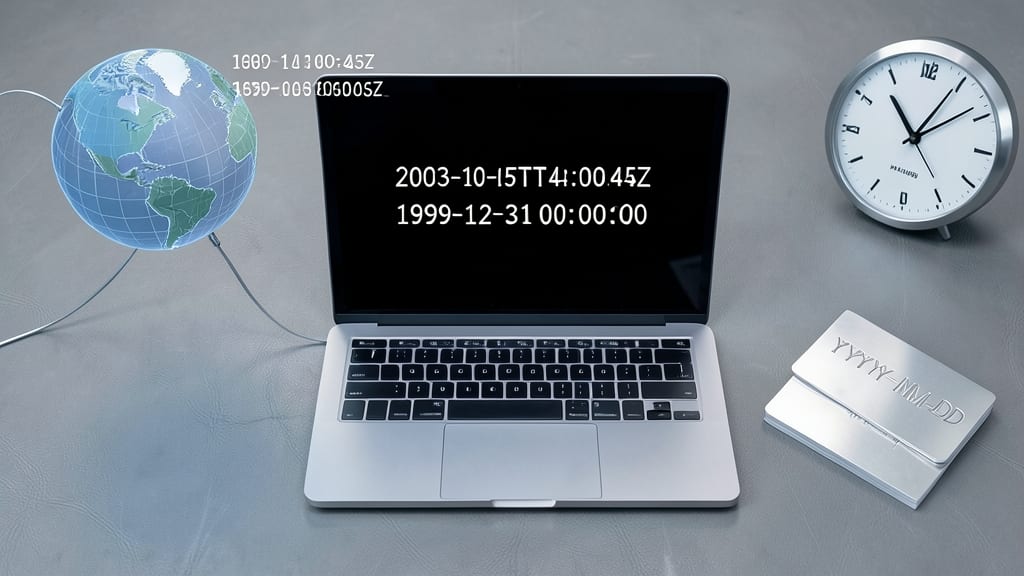
When your application needs to speak the same language worldwide, ISO 8601 is the universal translator for date-time values. This internationally recognized standard eliminates ambiguity by structuring dates as YYYY-MM-DD and times with 24-hour format (HH:MM:SS), ensuring consistency across systems.
Its true power lies in optional extensions: time zones (e.g., +05:30 for IST), fractional seconds (e.g., 14:30:45.123456), and UTC indicators (Z). APIs, JSON payloads, and databases universally support it—think RESTful services or cloud logs where precision matters. Libraries like Python’s datetime or JavaScript’s toISOString() handle conversion effortlessly.
Perfect for developers building global systems where locale settings could cause chaos. Start with ISO 8601, and you’ll future-proof your code against time zone quirks and parsing errors. ⚡
RFC 2822 Email-Compatible Date Format
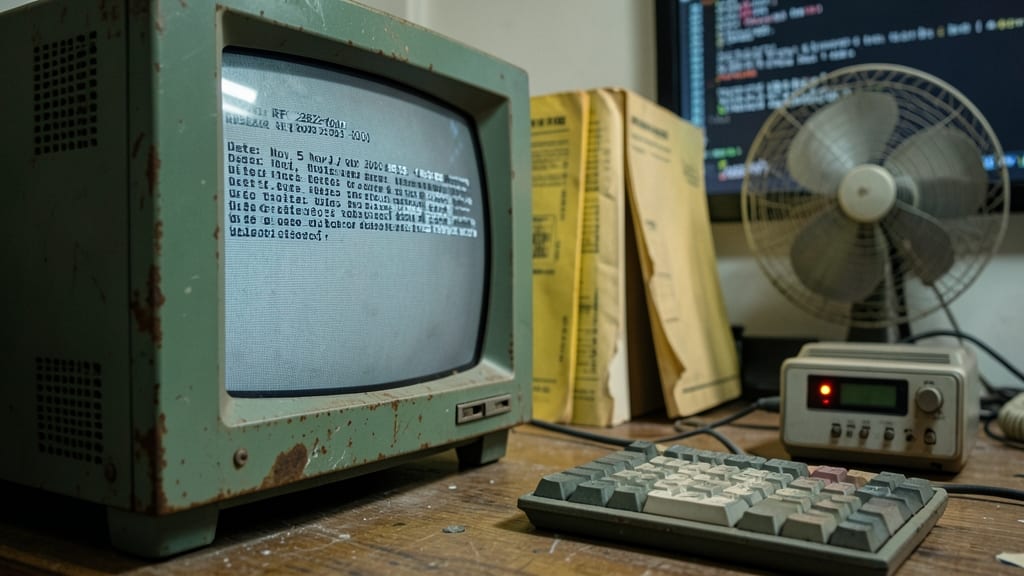
If you’ve ever debugged an email system or worked with legacy software, you’ve likely stumbled upon RFC 2822—the unsung hero of email headers. Unlike ISO 8601, this format prioritizes human readability while ensuring backward compatibility with older systems, making it the default for SMTP, IMAP, and email metadata.
The format follows the pattern "Weekday, DD Mon YYYY HH:MM:SS ±HHMM" (e.g., Mon, 20 May 2024 14:30:45 -0700), where the timezone offset (-0700) is critical for parsing. It’s less precise than ISO 8601 but excels in legacy systems where strict parsing isn’t required. Libraries like Python’s email.utils or PHP’s DateTime handle it natively, reducing edge-case errors in email workflows.
Developers maintaining email servers, archiving systems, or CRM tools rely on RFC 2822 to avoid parsing headaches. For new projects, pair it with ISO 8601 for APIs, but keep it in your toolkit for email-centric legacy codebases. ✨
Unix Epoch Time with Milliseconds

When microsecond precision and sortable numeric values are non-negotiable, Unix Epoch Time with milliseconds delivers—used everywhere from Linux logs to high-frequency trading systems. This format counts seconds (and milliseconds) since January 1, 1970, offering a compact, machine-friendly representation that’s ideal for performance-critical applications.
The 13-digit format (e.g., 1716146245000) includes milliseconds, making it perfect for databases, APIs, and systems where sorting and indexing matter. Unlike human-readable formats, it avoids parsing overhead and timezone complexity, while still being reversible with simple math. Tools like Python’s time.time() or JavaScript’s Date.now() generate this format natively.
Developers working with real-time analytics, financial systems, or Linux servers rely on this format for its speed and consistency. It’s the backbone of timestamped logs and event tracking where every millisecond counts. ⚡
Microsoft Excel Date Serial Number
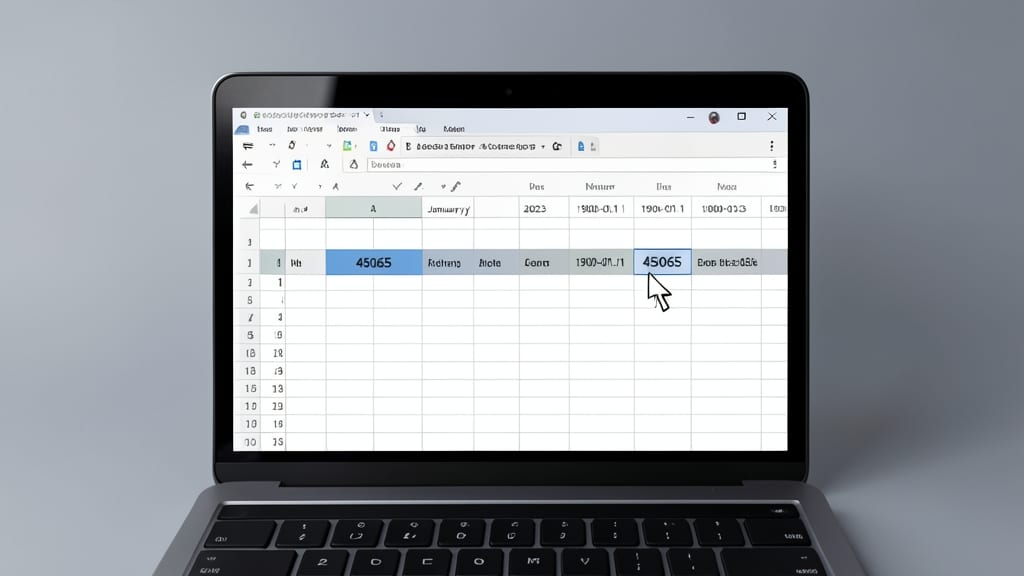
Ever opened an Excel file where dates mysteriously turned into numbers like 45065? That’s not a bug—it’s Excel’s date serial number system, where every date since 1900-01-01 is stored as a sequential integer. This quirky but powerful format is the backbone of spreadsheet automation, financial modeling, and legacy Office integrations.
Understanding this system lets you parse dates from Excel files programmatically, automate calculations, or even debug legacy macros. For example, 45065 translates to May 20, 2024, while 45066 becomes May 21, 2024. Developers often use this to bridge Excel with databases or APIs, ensuring consistency when importing/exporting financial or time-tracking data. The leap year quirks (like 1900 not being a leap year) even matter in edge cases!
This format is a must-know for financial analysts, Office automation developers, and legacy system maintainers working with Excel’s hidden number magic. 💻
SQL Date-Time Functions Format

If you’ve ever wrestled with SQL queries that mysteriously fail due to date-time mismatches, the SQL Date-Time Functions Format is your lifeline. Unlike other formats, this one is explicitly designed to play nice with database functions like DATE, TIMESTAMP, and DATETIME—ensuring your queries run without syntax errors or unexpected behavior.
The standard follows a YYYY-MM-DD HH:MI:SS structure (e.g., 2024-05-20 14:30:45), which works seamlessly across MySQL, PostgreSQL, and SQL Server. It avoids ambiguity by using ISO 8601-inspired conventions, while also supporting fractional seconds for precision. This format is the backbone of database-driven applications where time-sensitive operations—like scheduling or logging—are critical.
Database administrators and backend developers will appreciate how this format eliminates the guesswork when inserting or querying time-stamped data. It’s the go-to for any project where SQL is the backbone. ✨
JavaScript Date Object Format
Building dynamic web apps or Node.js backends? The JavaScript Date object is your native toolkit for handling time—no libraries required. Unlike other formats, it’s built into the language, offering direct access to milliseconds, time zones, and even leap seconds for precision-critical applications.
You can initialize dates via strings (new Date("2024-05-20")), timestamps (new Date(1716146245000)), or constructor parameters (new Date(2024, 4, 20, 14, 30)). Methods like .getTimezoneOffset() and .toISOString() bridge JavaScript’s internal format with ISO 8601 for cross-platform consistency. Frameworks like React and Angular rely on this format for real-time updates, scheduling, and user inputs.
Perfect for frontend developers or full-stack engineers who need zero-config parsing and seamless integration with modern JavaScript ecosystems. 💻
Human-Readable Localized Formats
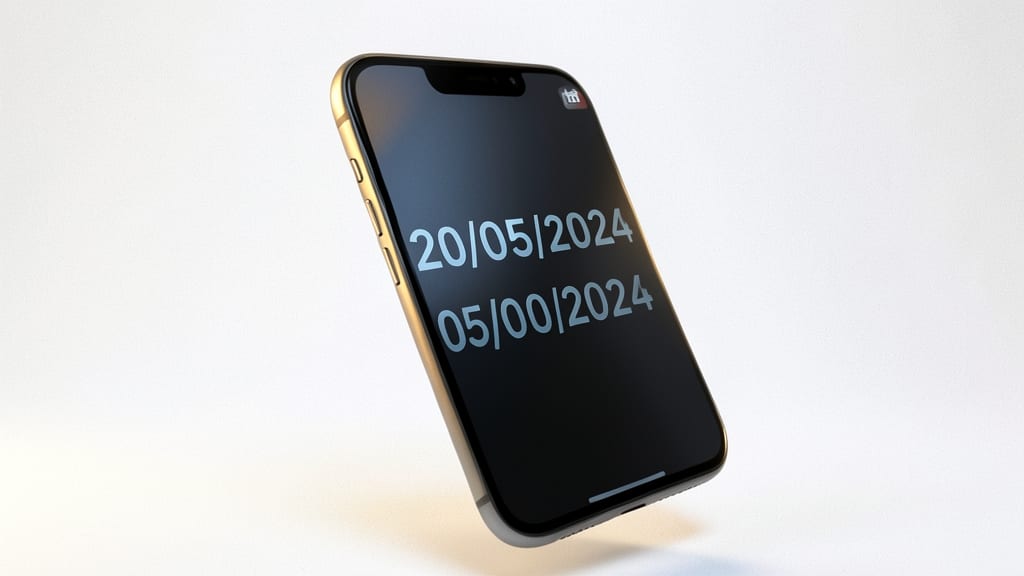
When your app needs to speak the language of your users—literally—human-readable localized formats are the key. Unlike rigid technical standards, these formats dynamically adjust to regional conventions, displaying dates as '20/05/2024' for UK users or '05/20/2024' for US audiences without code changes.
Powered by libraries like JavaScript’s Intl.DateTimeFormat or Python’s locale module, these formats handle everything from day/month ordering to AM/PM vs. 24-hour time. They’re essential for global SaaS platforms, e-commerce sites, and multilingual dashboards where compliance with regional standards isn’t optional.
Perfect for product managers and frontend developers building internationalized applications, these formats ensure your UI feels native—no matter where your users are. ✨