
Tip & Trick
Remote work introduces new cybersecurity risks, but these 10 proven best practices can transform your home office into a digital fortress. Learn actionable tactics to outsmart cybercriminals before they compromise your data or devices.
Multi-Factor Authentication for Every Account
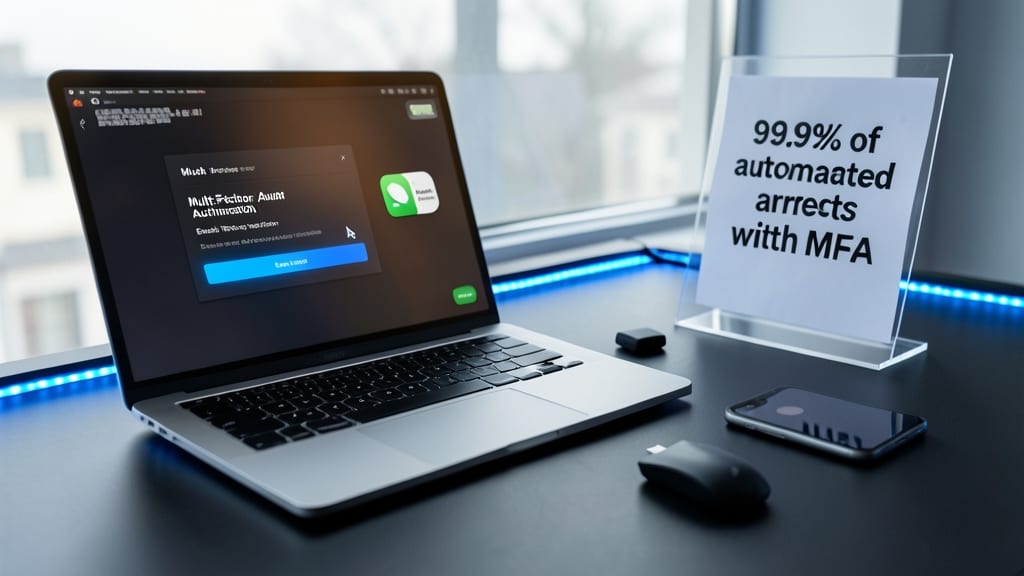
Cybercriminals rely on stolen passwords—99.9% of automated attacks fail when you add a second verification step. Multi-Factor Authentication (MFA) turns your weakest link into an impenetrable barrier with minimal effort.
Most services support SMS codes, authenticator apps (like Google Authenticator or Authy), or biometric logins—all of which take seconds to set up. Even better, hardware keys (YubiKey) offer the strongest protection for high-risk accounts like email or banking. The best part? MFA blocks credential stuffing attacks (where hackers reuse leaked passwords) before they even reach your device.
If you’ve ever reused passwords or clicked suspicious links, MFA is your zero-cost upgrade. Start with your email, banking, and work accounts—these are the top targets for attackers. ⚡
VPN Usage on Public and Home Networks
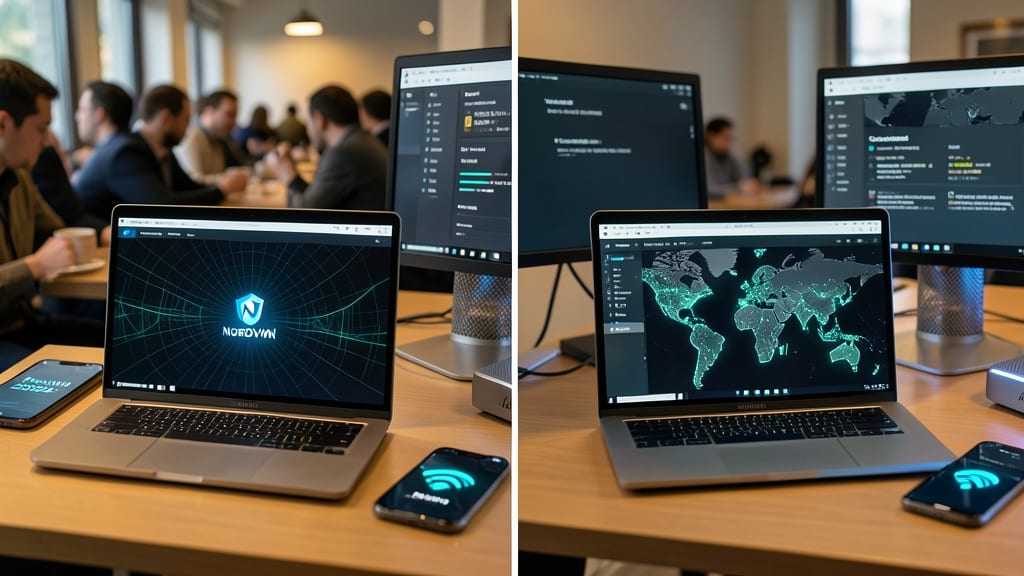
Public Wi-Fi and shared home networks are prime targets for cybercriminals—but a VPN (Virtual Private Network) creates an encrypted tunnel for all your internet traffic, making it nearly impossible for hackers to intercept sensitive data.
Modern VPNs like NordVPN or ProtonVPN offer military-grade encryption (AES-256), automatic Wi-Fi protection, and no-logs policies to safeguard privacy. They’re lightweight enough to run on laptops, smartphones, and even Raspberry Pis, ensuring protection whether you’re working from a café or your living room. For freelancers or remote employees, split tunneling lets you encrypt only sensitive traffic while keeping general browsing fast.
This is your best defense against man-in-the-middle attacks or rogue devices on shared networks—especially when handling client data or financial transactions. ⚡
Password Manager with Strong Master Password

Tired of juggling 50+ passwords with sticky notes and browser autofill? A password manager with a strong master password is your secret weapon—eliminating reuse risks while generating 30+ character credentials automatically. This single tool can cut breach risks by 80% when properly implemented, making it non-negotiable for remote teams or anyone managing complex logins.
Top solutions like Bitwarden or 1Password store encrypted vaults locally or in the cloud, syncing across devices with zero-config setup. Features like TOTP support and biometric unlocks add layers of security, while shared folders let teams collaborate safely. The key? A 20+ character master password with symbols and numbers—never reused elsewhere.
Perfect for developers, freelancers, or anyone with multiple accounts—especially if you’ve ever fallen for a phishing scam due to password repetition. 💻
Endpoint Detection and Response Software
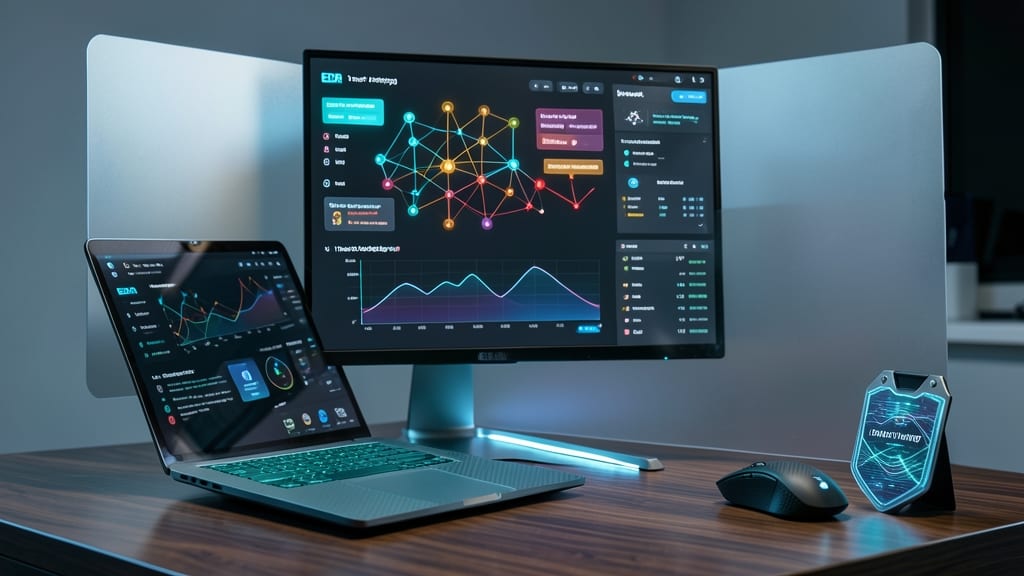
When basic antivirus fails to stop sophisticated malware, Endpoint Detection and Response (EDR) software steps in with real-time behavioral analysis—not just signature matching. Unlike traditional antivirus, EDR actively hunts for threats like zero-day exploits, ransomware, and advanced persistent threats (APTs) across your entire system, including memory, registry, and network traffic.
Solutions like CrowdStrike Falcon or SentinelOne provide AI-driven threat detection, automated response actions (e.g., isolating infected devices), and detailed forensic reports. They work seamlessly on Windows and Linux, making them ideal for professionals handling proprietary data or sensitive research. The best EDR tools also integrate with existing security ecosystems, like SIEM systems, for centralized monitoring.
If you’re dealing with high-risk environments—such as finance, healthcare, or legal—EDR is a non-negotiable layer of defense. It’s the difference between catching a breach in minutes versus days. 💪
Secure File Sharing with Encryption Tools
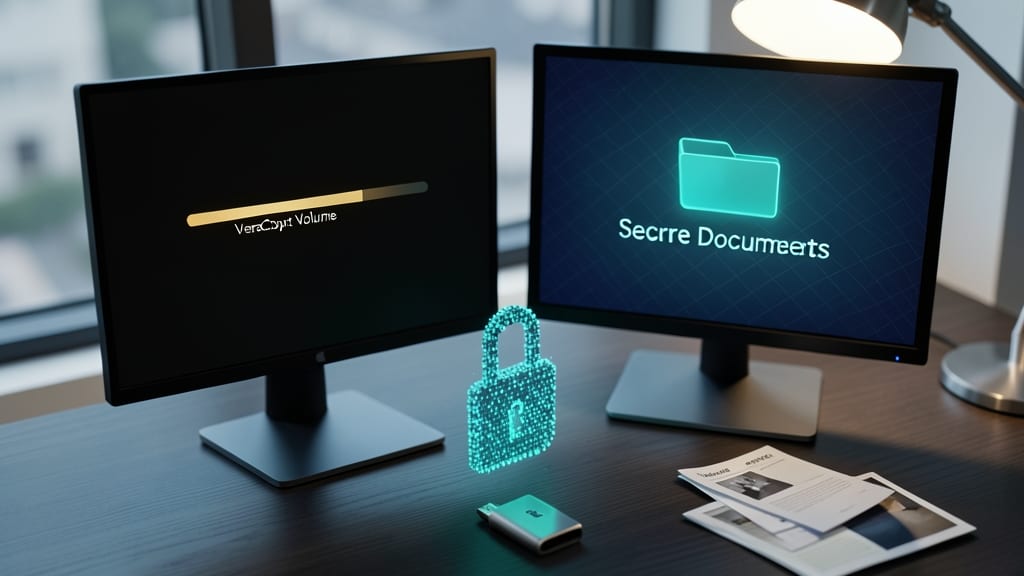
When sharing client contracts or internal reports, standard email attachments or cloud links leave your data exposed—even with passwords. Tools like VeraCrypt or Boxcryptor add military-grade encryption before files ever leave your device, ensuring only authorized recipients can access them.
These solutions integrate seamlessly with Google Drive, Dropbox, and Outlook, encrypting files with AES-256 (the same standard used by governments). For teams, Cryptomator offers a user-friendly alternative with zero-configuration setup—just drag and drop files into an encrypted virtual drive. No technical expertise required.
Perfect for legal teams, healthcare professionals, or freelancers handling sensitive client data. Even if your cloud provider gets hacked, your files stay locked tight. ✨
Regular Software Updates and Patch Management
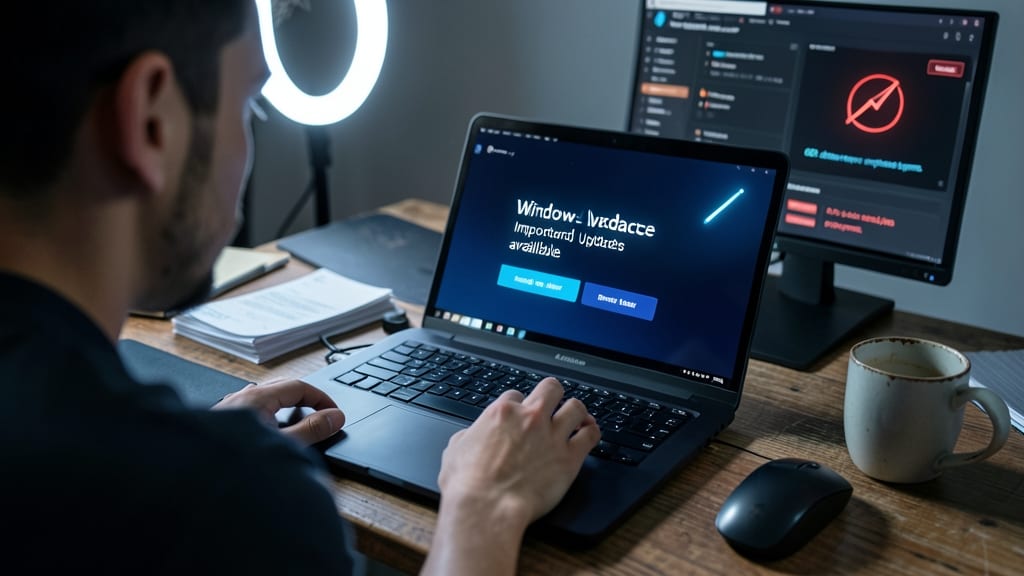
If you’ve ever hit “Remind me later” on an update notification, you’re not alone—but that delay could cost you. 60% of cyberattacks exploit unpatched software, yet many remote workers avoid updates due to workflow disruptions. The solution? Automate patch management across your entire system.
Tools like Windows Update for Business, Linux’s unattended-upgrades, or Patch Management suites (e.g., PDQ Deploy) let you schedule updates during off-hours, ensuring critical fixes apply without interrupting your work. For productivity apps like Microsoft 365 or Chrome, enable auto-updates to close vulnerabilities before they’re weaponized. Even a 10-minute weekly check for manual updates can block exploits targeting outdated software.
This is non-negotiable for freelancers handling client data, developers with multiple environments, or anyone who’s ever lost work to a ransomware attack. Set it and forget it—your future self will thank you. ✨
Physical Security for Home Workspaces

Your digital defenses are only as strong as your weakest link—and that could be the physical security of your devices. While firewalls and encryption protect your data online, a cable lock ($15–$30) or privacy screen ($20–$50) can stop opportunistic theft or shoulder-surfing attacks right in your home.
Start with a Kensington Security Cable to anchor laptops to desks or furniture, preventing walk-off theft in shared spaces. Add a 3M Privacy Filter to block prying eyes from seeing sensitive screens, and store devices in a locked drawer or safe when not in use. Even a simple RFID-blocking wallet for work badges or keys adds another layer.
This is non-negotiable for freelancers, students, or anyone working in high-traffic areas—like coffee shops or shared apartments. A few dollars spent here can save you from data breaches or hardware loss that digital tools alone can’t prevent. 💪
Phishing Simulation and Employee Training

Your team might have the strongest passwords and VPNs, but 90% of breaches still start with human error. Phishing simulations expose real vulnerabilities before attackers do—like sending realistic, but fake, phishing emails to test how quickly employees spot red flags.
Platforms like KnowBe4 or GoPhish offer customizable campaigns with detailed reporting, tracking everything from click rates to password reuse risks. You’ll uncover blind spots in your training, like employees mistaking "urgent" subject lines for legitimacy. These tools even simulate spear-phishing attacks tailored to your industry.
This is the #1 defense for remote teams—because no firewall can stop a careless click. Start with a quarterly simulation and watch your team’s awareness (and security) improve dramatically. ✨
Secure Remote Desktop Protocols
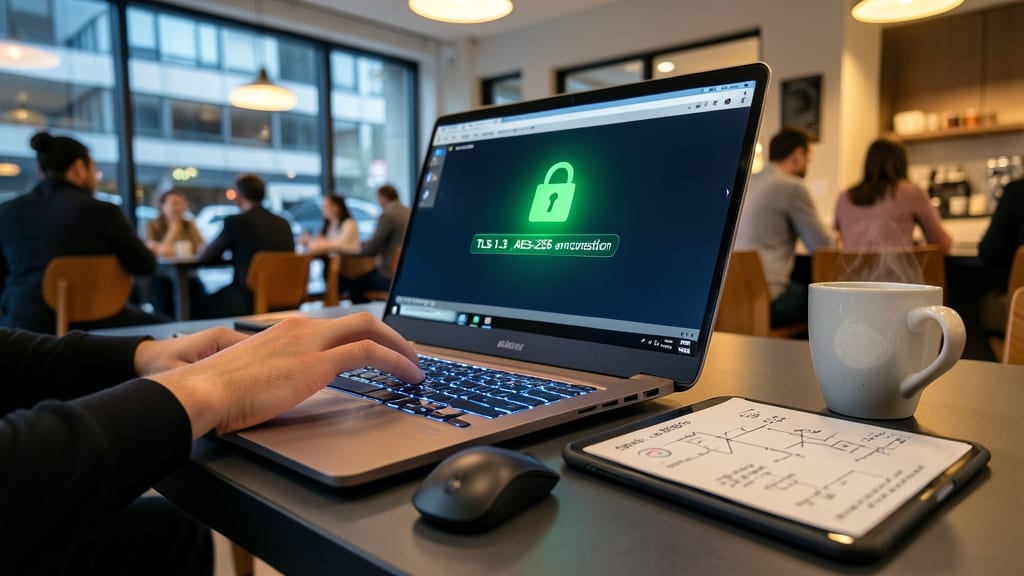
If you're an IT professional juggling multiple devices from coffee shops or client sites, session hijacking is your biggest threat—but RDP with TLS 1.3 encryption (like Microsoft's RDP over HTTPS) locks down your connections before attackers even get close.
Look for protocols with AES-256 encryption and mutual authentication (like SSH tunneling or VNC with TLS). These block man-in-the-middle attacks while letting you manage servers or endpoints securely. Tools like TeamViewer Enterprise or AnyDesk with password protection add extra layers for remote support sessions.
This is non-negotiable for sysadmins, DevOps teams, or anyone accessing corporate networks from unsecured locations. 💻
Cybersecurity Incident Response Plan
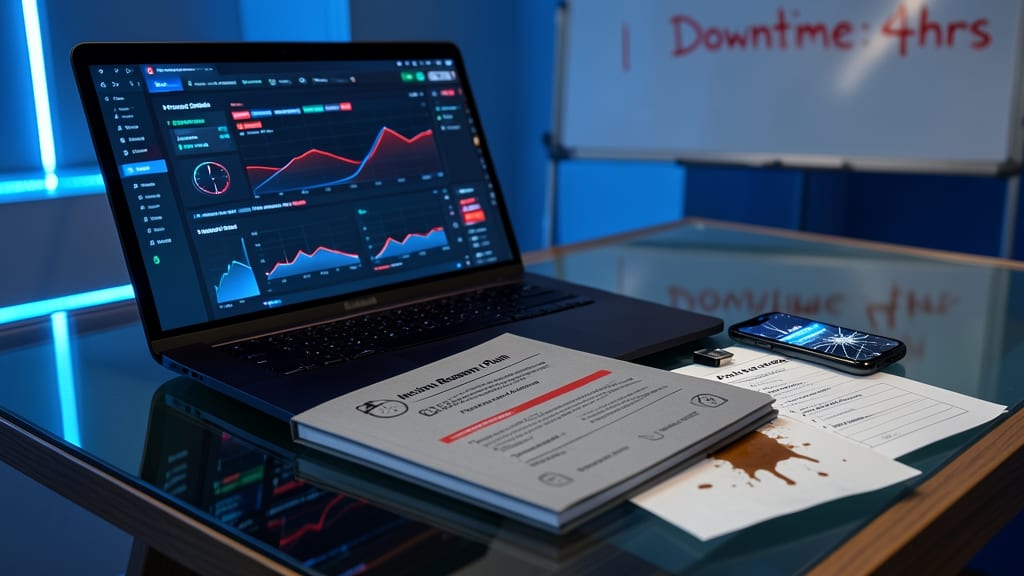
Even the best security measures can fail—so having a cybersecurity incident response plan ready is like having an insurance policy for your digital life. This isn’t just for IT departments; a simple, tailored plan helps individuals contain breaches faster, reducing downtime and financial loss.
A solid plan includes five key phases: detection (knowing when something’s wrong), containment (isolating threats), eradication (removing malware or unauthorized access), recovery (restoring systems safely), and lessons learned (updating defenses). Tools like NIST’s Cybersecurity Framework or free templates from CISA provide structured templates for any skill level. For individuals, focus on communication protocols (who to notify) and backup recovery (restoring from clean backups).
Freelancers, small business owners, or anyone handling sensitive data should prioritize this—especially if you lack IT support. Even a one-page checklist with emergency contacts and backup instructions can save hours of panic during a breach. 💪