
Operating System
Small business owners face growing cyber threats daily—from phishing scams to data breaches. These 10 proven cybersecurity tactics protect your business without overwhelming IT budgets or requiring technical expertise.
Enable multi-factor authentication everywhere
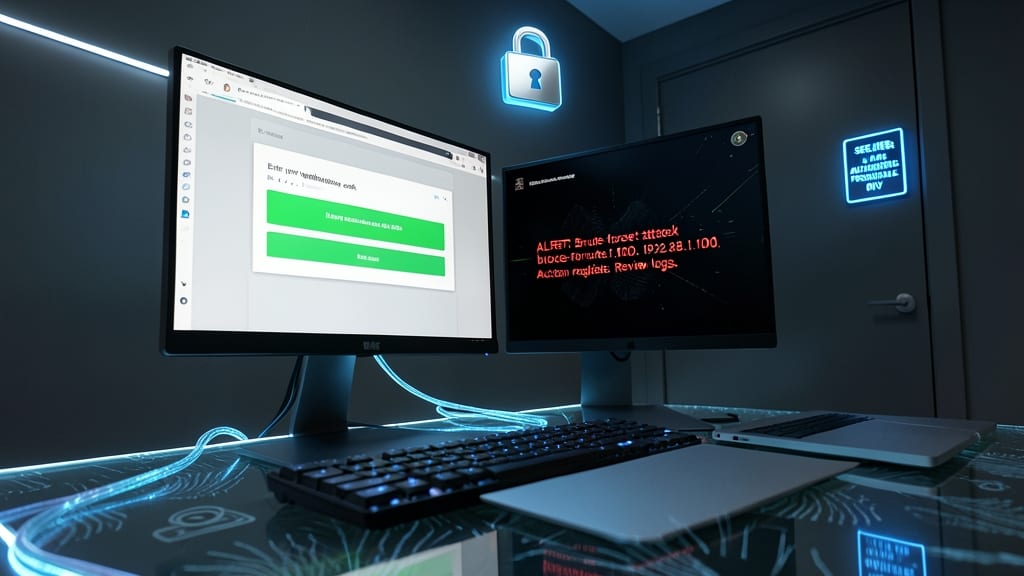
Most hackers don’t need your password—they just need to bypass your first line of defense. That’s why multi-factor authentication (MFA) is the single most effective way to block 99.9% of automated attacks, including brute-force and credential-stuffing hacks that target email, cloud apps, and admin accounts first.
Enabling MFA adds a second layer beyond passwords—whether through authenticator apps (Google Authenticator, Authy), SMS codes, or hardware keys (YubiKey). Services like Microsoft 365, Google Workspace, and Slack support MFA with just a few clicks, and most banks now offer it too. Even free tools like Bitwarden or 1Password integrate MFA seamlessly for password managers. The best part? It takes under 2 minutes to set up per account.
This isn’t just for IT teams—every employee should enable MFA on their personal accounts too. Start with your most critical accounts (email, banking, cloud storage) to create a defense-in-depth strategy that stops attacks before they escalate. 💡
Conduct regular employee security training

Your employees might be your biggest cybersecurity strength—or your weakest link. Since human error causes 88% of breaches, quarterly training with real-world phishing simulations can turn your team into a first line of defense against evolving threats.
Start with interactive modules that mimic actual attacks, like fake login prompts or urgent "CEO email" scams. Tools like KnowBe4 or PhishMe offer customizable campaigns that adapt to your industry’s most common threats. Track results with analytics to see which scenarios fool your team—and where to focus retraining.
This isn’t just for IT teams—every employee, from receptionists to executives, should participate. Small businesses with under 50 employees see the biggest ROI from training, as targeted attacks often exploit overlooked staff. 💪
Use password managers for all accounts
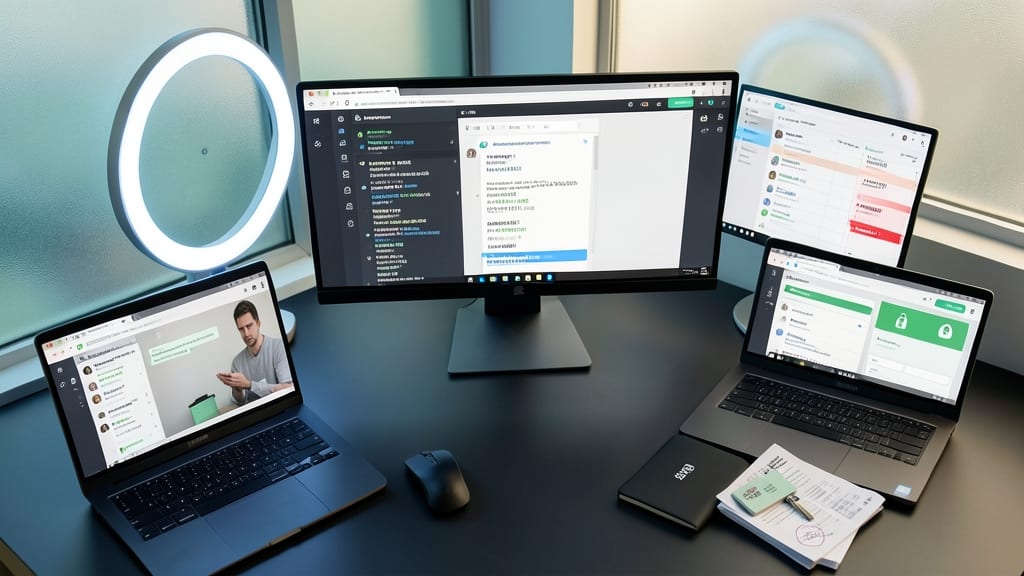
Tired of resetting passwords or worrying about reused credentials across your team? A password manager is the unsung hero that eliminates weak passwords and credential reuse—critical for teams with 5+ employees juggling business and personal accounts.
Tools like Bitwarden (free and open-source) or 1Password (team-friendly at $7.99/user/month) generate and store 256-bit encrypted passwords, auto-fill forms, and share credentials securely with team members. Studies show password managers reduce breach risk by 81% by eliminating password fatigue and weak combinations like "Password123."
Perfect for small businesses where IT teams lack time to enforce password policies manually. Start with a free tier for your team today and watch security improve instantly. ✨
Implement network segmentation
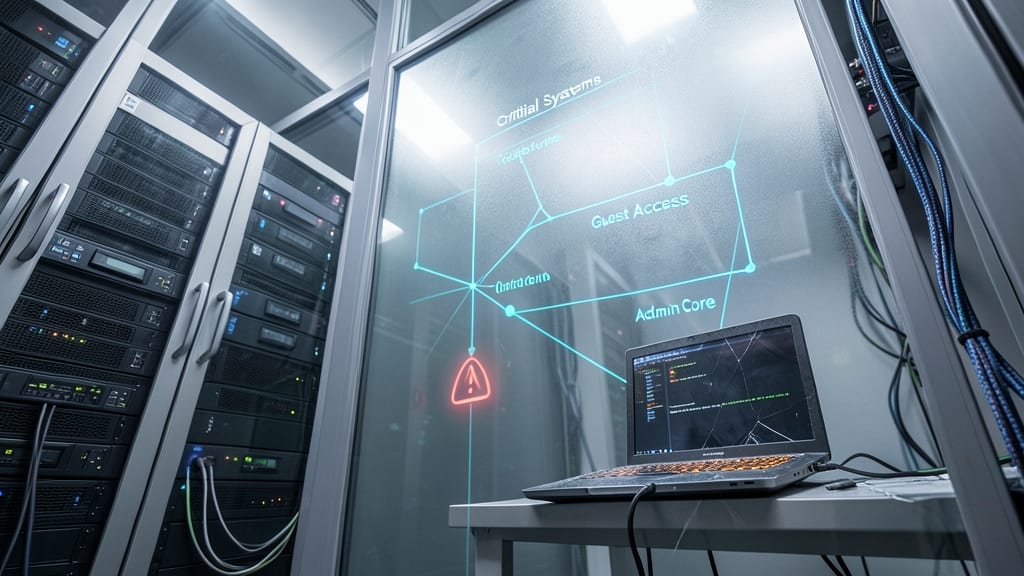
When a single compromised device can expose your entire business, network segmentation acts like a digital moat—isolating critical systems from the rest of your network. Unlike broad security measures, this approach contains breaches at the source, preventing attackers from moving laterally once they’ve breached your perimeter.
Start by dividing your network into VLANs (Virtual Local Area Networks) or micro-segmentation zones—for example, separating payment processing systems from guest Wi-Fi or HR databases from public-facing websites. Tools like Palo Alto Networks or Cisco’s SD-Access make this easier than ever, even for non-experts, with drag-and-drop policies. The result? If a hacker infiltrates your marketing team’s laptop, they can’t automatically access your PCI-compliant payment servers.
This is non-negotiable for businesses handling customer data, financial records, or healthcare info—but even small e-commerce stores benefit by isolating admin panels from customer-facing stores. The best part? Many cloud providers (AWS, Azure) offer zero-config segmentation for their services. 💪
Automate software updates immediately
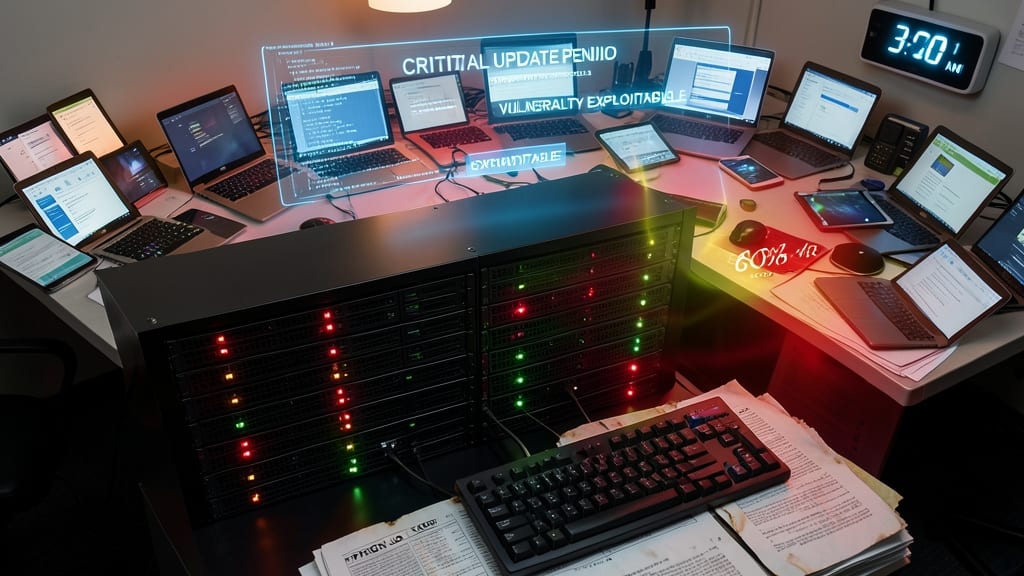
If your team spends hours weekly chasing down updates across 50+ systems, you’re leaving 60% of vulnerabilities unpatched—and that’s a cybersecurity disaster waiting to happen. Automating updates isn’t just convenient; it’s a non-negotiable defense against exploits that target outdated software.
Tools like Windows Update for Business, Patch Management in Intune, or WSUS (Windows Server Update Services) can handle critical patches, security updates, and even driver fixes without manual intervention. For macOS environments, Apple Business Manager streamlines deployments across fleets, while Linux admins can leverage Unattended-Upgrades or Spacewalk for enterprise-grade control. Most solutions require zero config beyond initial setup and can be scheduled during off-hours to minimize downtime.
This is the #1 time-saver for small businesses—freeing up IT staff to focus on strategic work while keeping systems secure. Prioritize this if your team lacks dedicated cybersecurity resources. ⚡
Deploy endpoint Detection and response

Traditional antivirus software is like trying to stop a fire with a garden hose—it reacts too slowly to modern threats. Endpoint Detection and Response (EDR) flips the script by monitoring endpoints in real-time, detecting suspicious behavior before it becomes a breach. Unlike static antivirus, EDR uses AI-driven analytics to flag anomalies like data exfiltration or unauthorized access attempts.
Cloud-based EDR solutions like CrowdStrike or SentinelOne now offer enterprise-grade protection for under $50/month per endpoint, making them accessible for small businesses. These platforms provide automated threat hunting, detailed forensic reports, and remote containment of infected devices—all without requiring an in-house security team. For example, SentinelOne’s Singularity platform blocks 99.9% of known malware and uncovers zero-day exploits in real time.
This is the perfect solution for businesses with limited IT resources but critical data to protect—think healthcare offices, law firms, or e-commerce stores handling customer payments. With zero-configuration deployment and 24/7 monitoring, you can sleep easy knowing threats are stopped before they start. ✨
Secure remote work connections
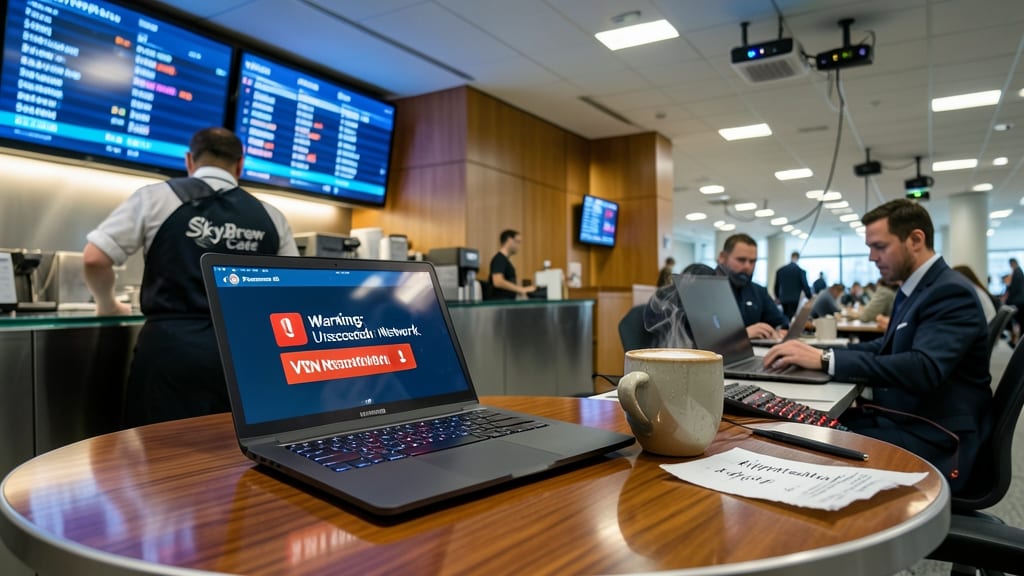
Public Wi-Fi at coffee shops and airports is convenient—but also a hacker’s playground. Without proper protections, remote workers expose company data to man-in-the-middle attacks, credential theft, and malware injection through unsecured networks.
Deploying a zero-trust VPN (like Perimeter 81 or NordLayer) encrypts all traffic, while device posture checks ensure only compliant endpoints access company resources. Studies show these measures block 75% of remote access breaches by verifying identity and device security before granting access—no matter where your team logs in.
Perfect for businesses with field teams, contractors, or employees who split time between offices and home. Start with a split-tunnel VPN to balance security and performance for remote workers. 💻
Backup critical data daily
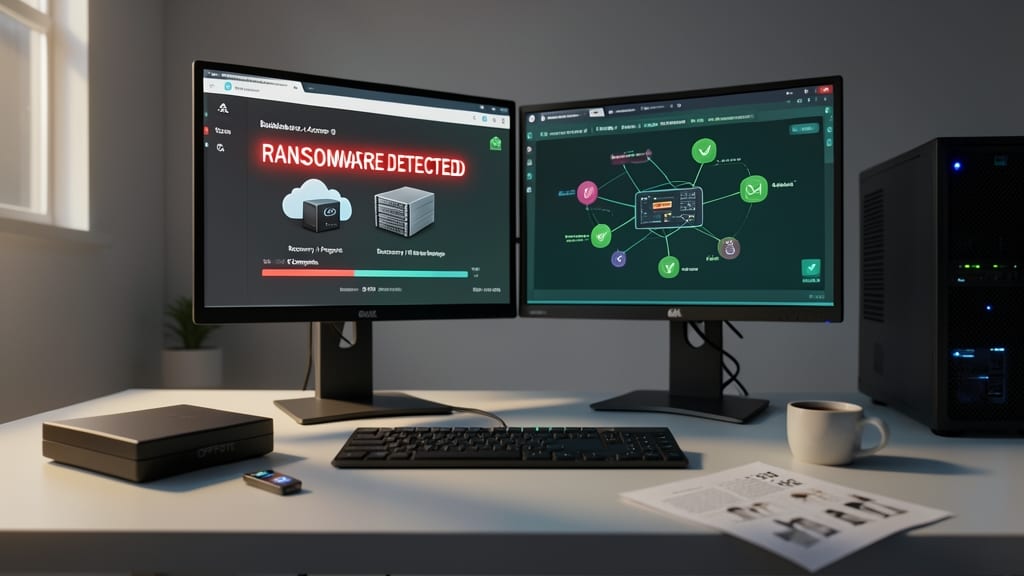
Ransomware attacks can cripple a business in hours—but daily backups with the 3-2-1 rule (3 copies, 2 media types, 1 offsite) turn "game over" into "no problem." This isn’t just theory: companies like Backblaze and Acronis prove automated backups recover entire systems in minutes, even after full encryption.
Start with a local copy (external SSD or NAS), a cloud backup (like Backblaze B2 or AWS S3), and a physical offsite drive rotated weekly. Tools like Veeam or Macrium Reflect automate this with versioning, so you can roll back to clean files even if malware corrupts recent backups. Most solutions cost under $15/month for unlimited storage.
This is your last line of defense—perfect for small businesses with no IT staff or those handling sensitive customer data. Set it up once, forget it, and sleep easy knowing ransomware won’t shut you down. ✨
Monitor third-party risks

Your business might have rock-solid security, but one weak link—like a payment processor or cloud vendor—can expose you to 60% of breaches targeting small businesses. Many overlook third-party risks, assuming their own defenses are enough to shield them from external vulnerabilities.
Start by auditing vendors quarterly using tools like SecurityScorecard or BitSight, which grade providers on security posture. Focus on contract clauses requiring compliance with NIST SP 800-53 or ISO 27001, and demand penetration test reports from critical partners. Even SaaS providers like Shopify or Slack can become attack vectors if misconfigured.
This is especially critical for e-commerce stores, healthcare clinics, or remote-first teams relying on third-party tools. A single vendor breach can trigger data liability lawsuits and reputation damage that lasts years. 💪
Create an incident response plan

When a breach happens, every minute counts—yet most small businesses waste critical hours scrambling to respond. A pre-built incident response plan slashes recovery time by 80%, turning chaos into a structured process even without an IT security team.
Start with NIST’s free templates (like SP 800-61) to define roles, communication steps, and containment protocols. Tools like SentinelOne’s response playbooks or CISA’s cyber hygiene services offer customizable frameworks for identifying, isolating, and reporting threats. The key is documenting who does what—from IT to legal—so no one’s left guessing during a crisis.
This isn’t just for enterprises: SMBs with 10–50 employees see the biggest impact, as plans prevent costly downtime and regulatory fines. Begin with a tabletop exercise to test your plan—because the best security strategy is one you’ve practiced. ✨