
Software
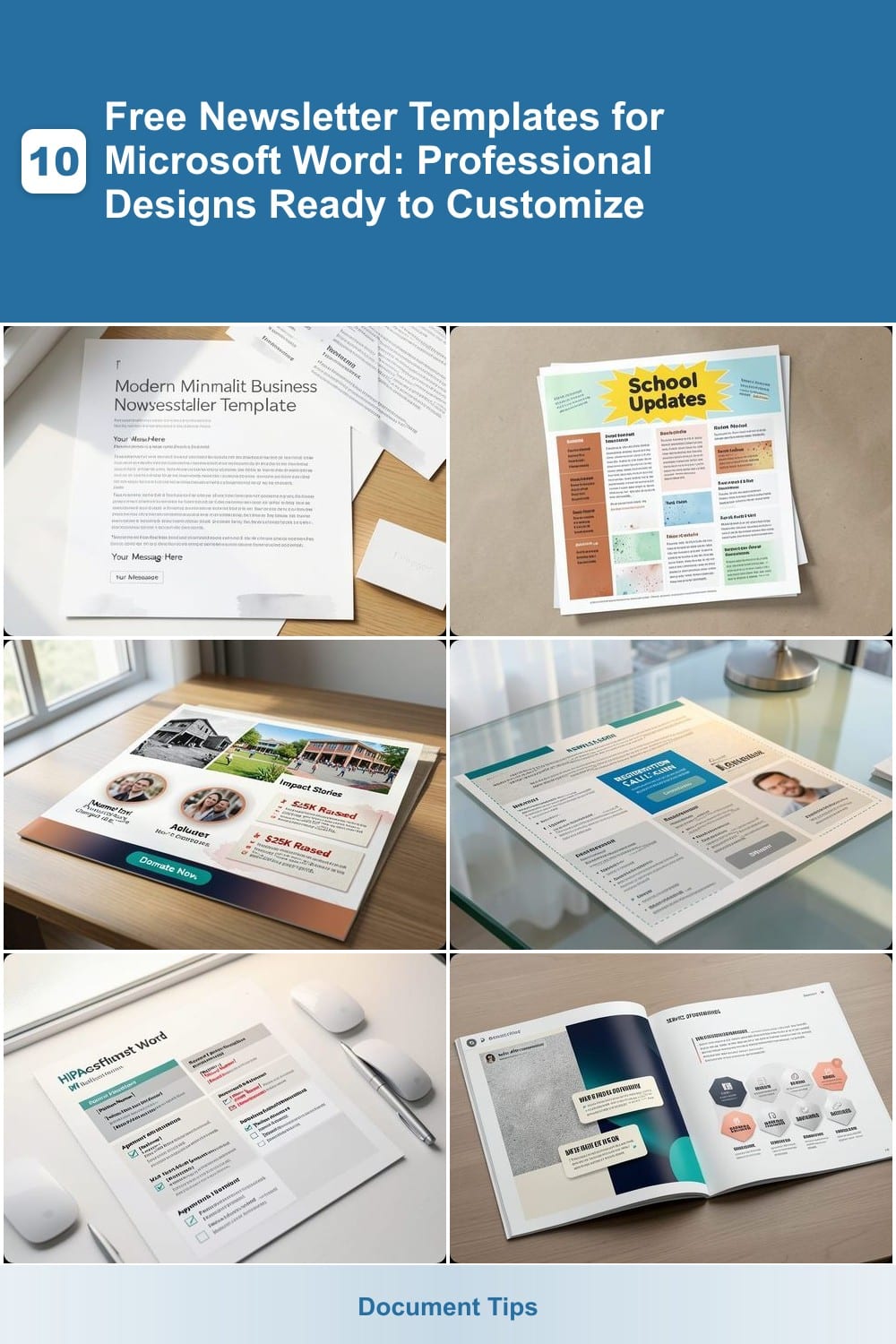
Need a polished newsletter without spending a dime? These 10 free Microsoft Word templates offer professional layouts that require zero design skills to customize. Perfect for businesses, educators, or anyone who wants to elevate their communication instantly.
Modern Minimalist Business Newsletter Template
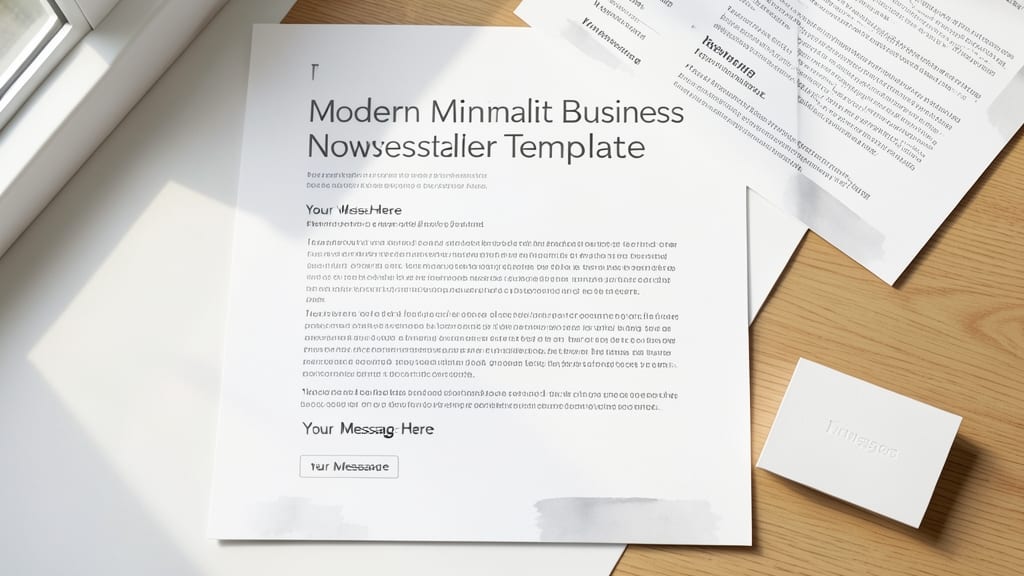
Tired of newsletters that overwhelm with clutter? The Modern Minimalist Business Newsletter Template delivers a distraction-free design where your message takes center stage. Built for professionals who prioritize clarity, this template features a clean white background, subtle gray accents, and a three-column layout that guides readers effortlessly through your content.
Key features include a centered logo placeholder for brand consistency, pre-formatted text boxes for easy content insertion, and sans-serif typography that ensures readability across devices. The modular structure lets you highlight quarterly updates, client spotlights, or key achievements without reformatting—just drop in your text, tweak colors to match your brand, and send.
Perfect for corporate communicators, PR teams, or small business owners who want to project professionalism without design hassles. Your audience will focus on your message, not the formatting. ✨
Educational School Newsletter Layout
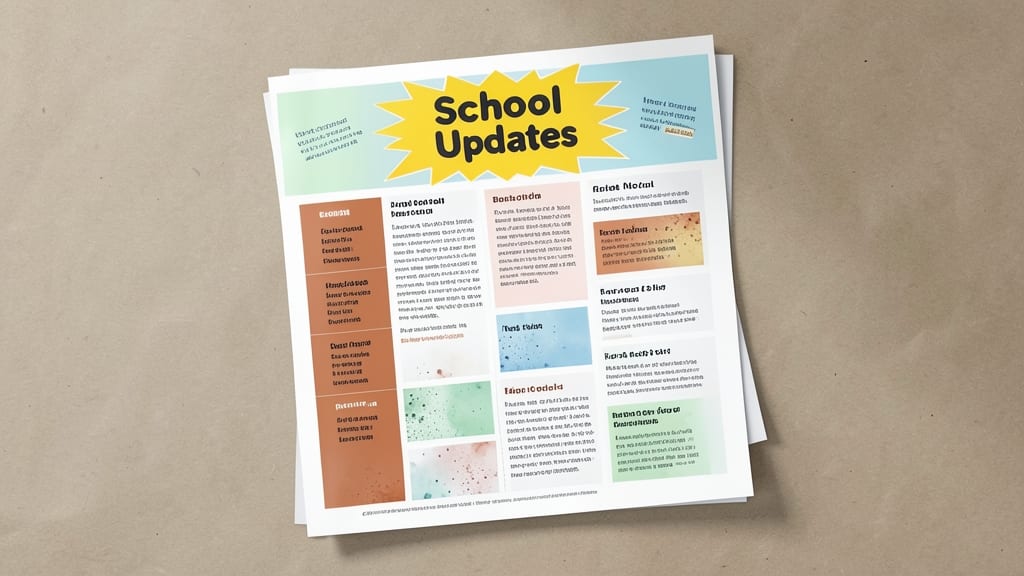
Say goodbye to boring black-and-white school updates with this bright, engaging Educational School Newsletter Layout—crafted to make parent communication both fun and functional. Designed specifically for teachers and administrators, it blends colorful sections for announcements, events, and student spotlights while keeping everything organized and visually appealing.
The template includes dedicated photo placeholders for student achievements, a calendar section for upcoming events, and parent contact information blocks to streamline communication. With playful yet professional fonts and classroom-themed background elements, it’s easy to personalize with your school’s branding—just drop in your content, tweak the colors, and send it off in minutes.
Perfect for PTA coordinators, principals, or classroom teachers who want to keep parents informed while adding a touch of creativity. Your school’s newsletter will stand out without requiring design skills! ✨
Nonprofit Fundraising Campaign Template
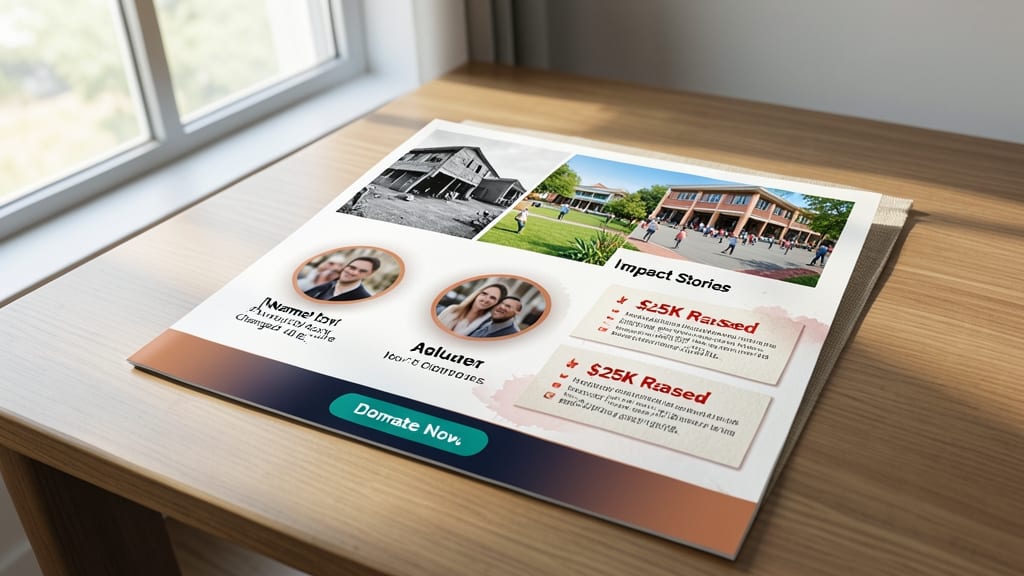
Turn emotional storytelling into action with this Nonprofit Fundraising Campaign Template, designed to maximize donations through visual impact and clear calls-to-action. The layout includes dedicated sections for before/after impact stories, volunteer spotlights with photo placeholders, and pre-formatted donation buttons that integrate seamlessly with platforms like PayPal or Stripe.
The template features warm, trust-building colors and serif fonts to convey sincerity, while the mission statement header ensures your cause takes center stage. Placeholders for metrics (e.g., "$5,000 raised this month") and testimonials make progress tangible, and the modular design lets you swap content without reformatting.
Ideal for small nonprofits or fundraising coordinators, this template transforms good intentions into measurable results—no design skills required. ✨
Event Promotion Flyer Style Template
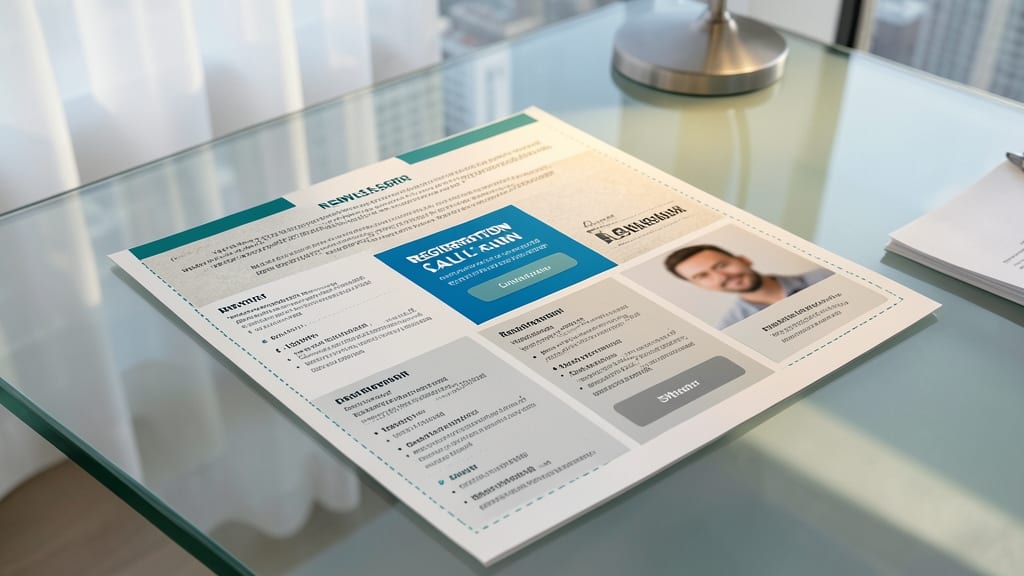
Turn event planning into a breeze with this Event Promotion Flyer Style Template, blending the best of newsletters and promotional flyers. Designed specifically for conferences, workshops, or webinars, it streamlines registration while keeping attendees informed—no design skills required.
Key features include a dedicated QR code placeholder for ticketing systems (like Eventbrite or TicketTailor), a bold event date header, and sections for speaker highlights, agenda snippets, and sponsor logos. The template’s gradient background and ticket-style borders instantly elevate your design, while pre-formatted text boxes make it easy to add last-minute updates.
Ideal for organizers who want to boost registrations and engagement, this template saves hours of formatting while keeping your event details front and center. Perfect for both tech-savvy planners and first-timers alike! ⚡
Healthcare Provider Patient Update Template
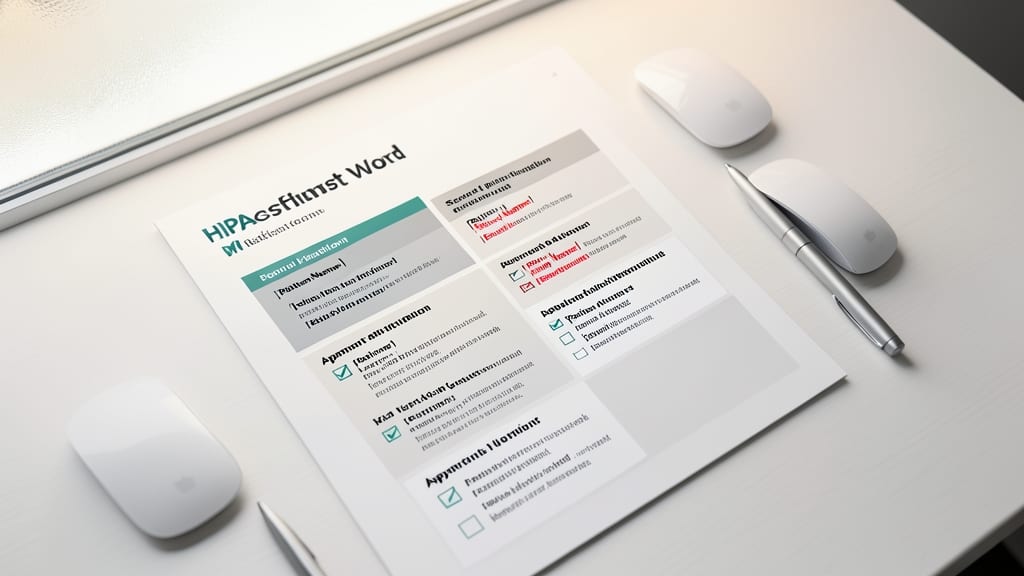
Keeping patient communication HIPAA-compliant just got easier with this healthcare-specific template designed for doctors, clinics, and medical practices. Built with secure formatting for contact details and appointment reminders, it ensures sensitive information stays protected while maintaining a professional look.
The template includes dedicated sections for health tips, staff introductions, and appointment scheduling—all while adhering to strict privacy standards. The calming blue-green color scheme reduces visual stress, and the layout is optimized for readability on both desktop and mobile devices.
Perfect for small clinics or private practices looking to streamline patient updates without compromising security. Your patients will appreciate the clear, organized format while you stay compliant with industry regulations. ✨
Creative Agency Portfolio Showcase Template
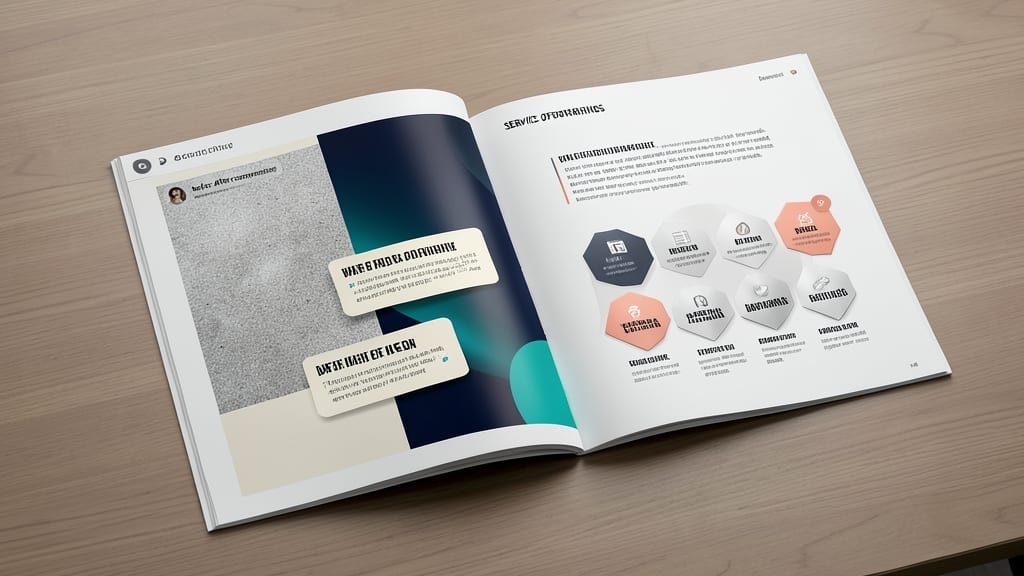
Want to turn client wins and project transformations into a visually compelling portfolio piece? This Creative Agency Portfolio Showcase Template lets you highlight before/after comparisons, testimonials, and service offerings in one sleek, modern layout—no design degree required.
The template features dedicated sections for project thumbnails, a client logo grid, and bold typography to make your work stand out. The dark background with neon accents ensures high contrast for readability, while the modular design lets you rearrange content to match your agency’s branding. Simply drop in your images, tweak the colors, and you’re ready to impress potential clients.
Perfect for freelancers, small agencies, or marketing teams looking to showcase their best work without the hassle of building a portfolio from scratch. ⚡
Weekly News Digest for Bloggers Template
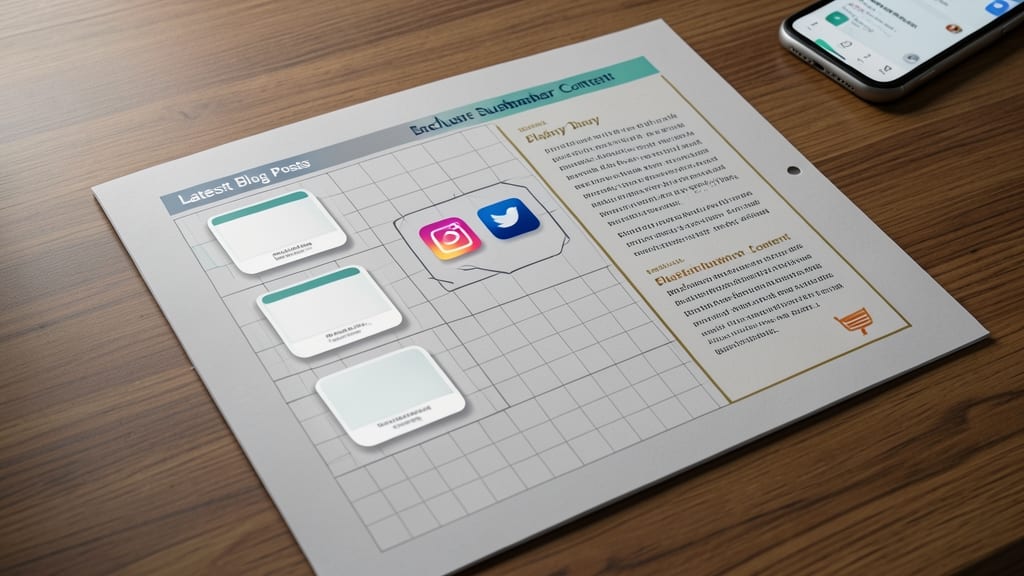
If you’re a blogger juggling multiple platforms, this Weekly News Digest for Bloggers Template streamlines your content sharing. It’s built specifically for curating your latest posts, social media updates, and subscriber-exclusive content—all in one polished layout.
The template includes RSS feed integration placeholders to auto-populate your latest blog posts, saving you hours of manual copying. It also features dedicated sections for social media highlights, subscriber-only content, and a clean, reading-friendly design with modern typography and subtle grid lines. Plus, the author photo placeholder adds a personal touch to keep readers engaged.
Perfect for solo bloggers, content creators, or small teams looking to keep subscribers informed without the hassle of design work. ⚡
Restaurant Weekly Specials Menu Template
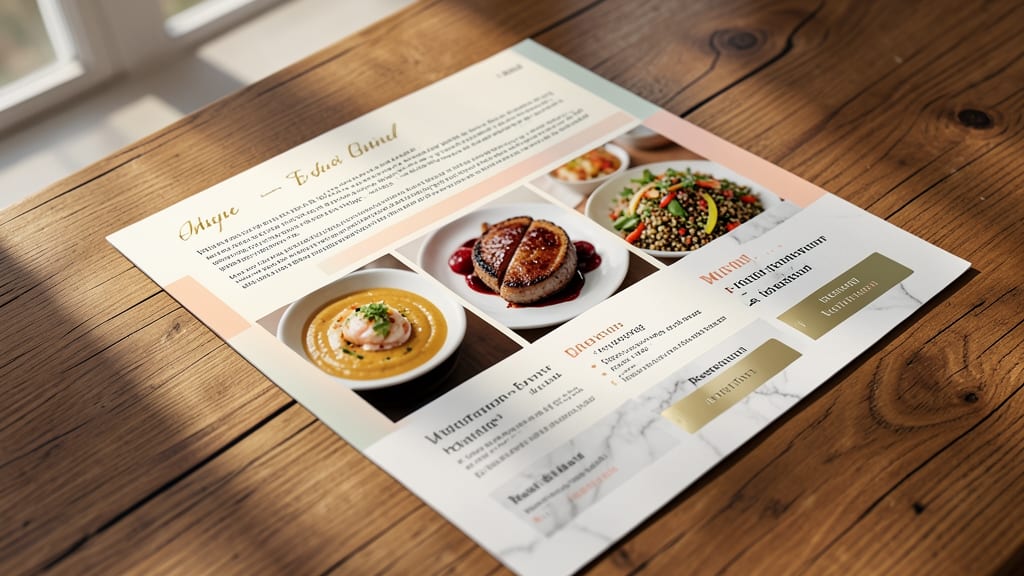
Turn your restaurant’s weekly specials into a mouthwatering newsletter with this all-in-one template—perfect for blending promotions, chef’s notes, and reservation links in one sleek design.
The dedicated menu section lets you showcase dishes with high-resolution photo placeholders, while a reservation button streamlines bookings. Customizable color schemes (think warm wood tones or elegant gold accents) match any brand, and pre-formatted text boxes keep your chef’s notes and specials organized.
Ideal for restaurants, cafes, or caterers looking to boost online engagement—download, tweak, and send in minutes. 💡
Personal Branding Resume-Style Template
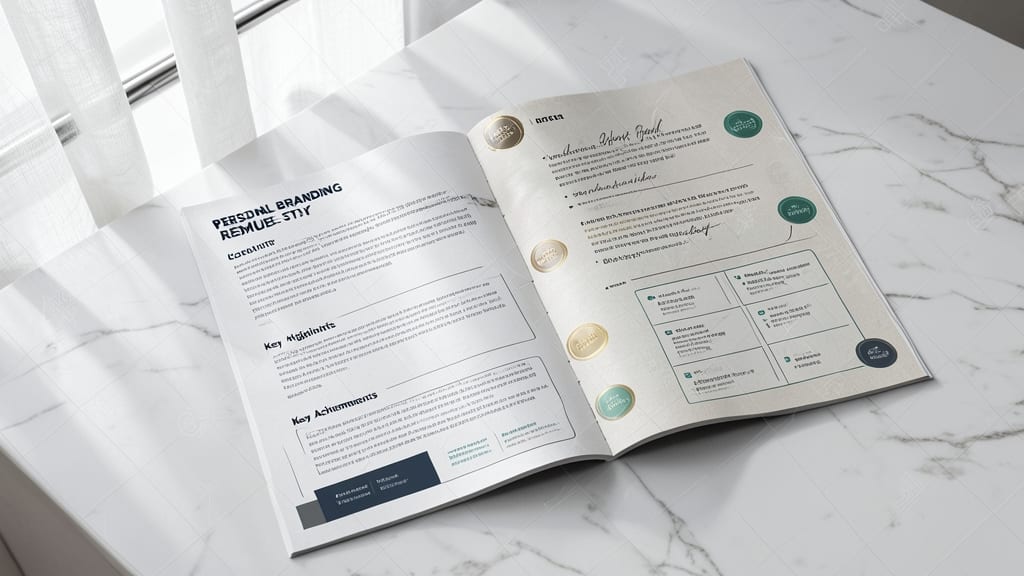
Stand out in a crowded market with this Personal Branding Resume-Style Template, designed to turn your career updates into a polished, professional showcase. Unlike traditional newsletters, this hybrid format lets you blend achievements, client testimonials, and industry insights—all while maintaining the credibility of a resume layout.
The template includes dedicated sections for skills visualization (think progress bars or icons), a sidebar for your professional photo, and structured content blocks for milestones, case studies, or upcoming projects. The clean, corporate aesthetic ensures your expertise shines without distracting design elements, while the Microsoft Word compatibility means no extra software is needed to customize.
Perfect for freelancers, consultants, or entrepreneurs who want to convert subscribers into clients—this template transforms routine updates into a compelling portfolio piece. 💻
Holiday-Themed Seasonal Newsletter Design
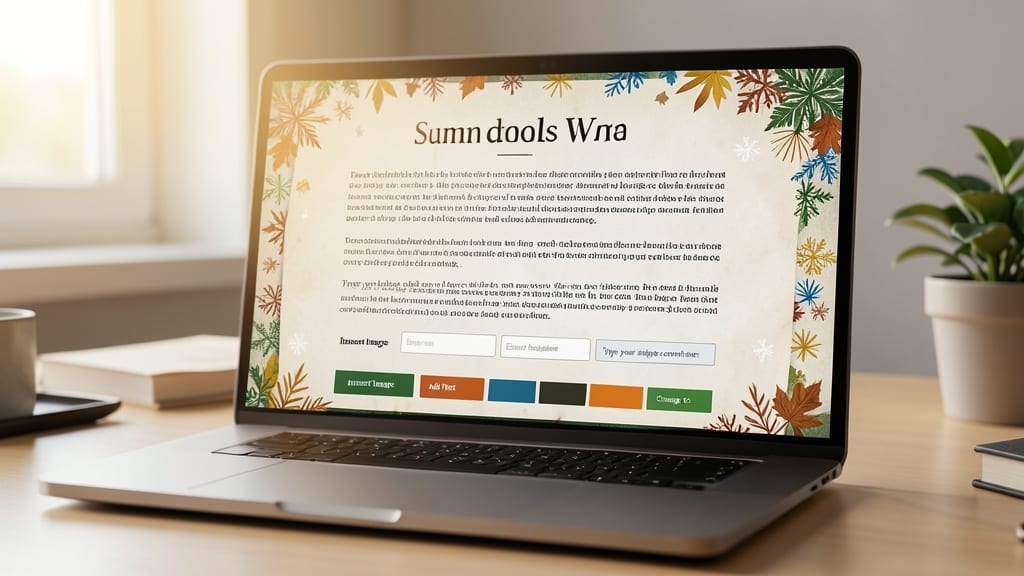
Celebrate any season with this holiday-themed newsletter template, designed to bring warmth and festivity to your communications. Whether it's Christmas, Thanksgiving, or even a summer festival, this template adapts effortlessly with its customizable color schemes and seasonal borders.
You’ll find a countdown calendar to build excitement, a dedicated gift guide section for promotions, and space to insert family photos or event highlights. The layout includes pre-formatted placeholders for seasonal greetings, special offers, and even a "thank you" section—perfect for year-end gratitude. Best of all, it’s fully editable in Microsoft Word, so you can tweak fonts, colors, and content without design skills.
Ideal for small businesses, families, or community groups planning seasonal updates, this template turns routine newsletters into festive keepsakes. 🌟