
Software
Mastering Microsoft Access can transform how you manage data, but finding quality training shouldn’t cost a dime. These 10 free online courses cover everything from database fundamentals to advanced queries, tailored for all skill levels—no credit card required.
Microsoft Access Official Training Modules

Skip the guesswork and learn directly from the source with Microsoft’s official training modules, designed to turn beginners into confident database creators in no time. These interactive, bite-sized lessons focus on the core skills you need—like designing tables, building forms, and generating reports—without overwhelming jargon or complex setups.
The modules include step-by-step exercises with real-world examples, such as creating a simple inventory tracker or a customer database. You’ll practice linking tables, filtering data, and even automating basic tasks—all while receiving instant feedback. Best of all, the content aligns with Microsoft’s own certification standards, ensuring you’re learning the most relevant, up-to-date skills for Access.
This is the perfect starting point for absolute beginners, office workers, or students who want to master Access without prior database experience. Whether you’re organizing personal projects or prepping for a career move, these modules give you the foundation to build databases like a pro—all for free. 💡
LinkedIn Learning Free Access Course
Need a structured, professional-grade introduction to Microsoft Access without dropping a dime? LinkedIn Learning’s free 3-hour Access course delivers a polished, subscription-free deep dive into relational databases, query logic, and macros—all taught by industry experts. Unlike fragmented tutorials, this course bundles foundational skills into a cohesive learning path, complete with downloadable exercise files.
The curriculum starts with database design principles, then progresses to SQL-like query building and automation via macros, ensuring you grasp both theory and practical application. Each lesson includes real-world examples (like inventory tracking or customer management) and screen-captured demos that mirror professional workflows. Best of all, you access it through LinkedIn’s free trial period, meaning no subscription fees or hidden costs.
This course is ideal for busy professionals, career switchers, or students who need a credible credential to add to their LinkedIn profile—no prior database experience required. Whether you’re prepping for a promotion or simply want to streamline data tasks, this structured approach turns Access from intimidating to indispensable. ✨
GCFGlobal Microsoft Access Tutorials
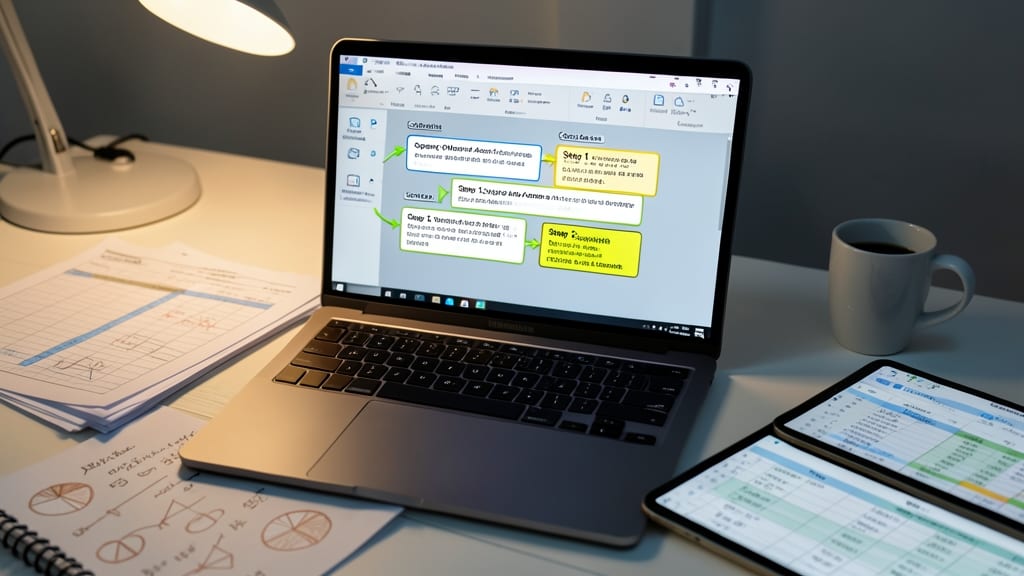
Struggling to turn raw data into meaningful reports without drowning in technical jargon? GCFGlobal’s Microsoft Access tutorials break down complex tasks into clear, screenshot-guided steps, making it the perfect starting point for non-tech users. Unlike other courses that assume prior knowledge, these guides focus on real-world scenarios like filtering records, designing simple reports, and organizing data—all with visual aids that eliminate guesswork.
Each tutorial includes interactive examples (like building a customer database or creating a sales summary report) and downloadable practice files to follow along. The platform’s pastel-friendly interface and concise explanations ensure you won’t feel overwhelmed, while the emphasis on practical filters and sorting helps you tackle common workplace tasks immediately. No prior experience? No problem—these guides assume you’re starting from scratch.
This resource is ideal for small business owners, students, or office workers who need to manage data but avoid tech headaches. Whether you’re tracking inventory or organizing contacts, GCFGlobal’s hands-on approach turns intimidating software into a user-friendly tool—all for free. 💡
YouTube: Access Tutorial for Beginners
If you learn best by watching someone else work through Access in real time, this 2-hour YouTube video series is your perfect match. Unlike text-based guides, it uses live screen recordings to visually break down how to create tables, establish relationships, and build queries—no confusing jargon, just step-by-step action.
The series starts with database fundamentals (like designing tables with proper data types) before moving to query logic with clear examples. You’ll see how to link tables, filter records, and even generate simple reports—all while following along with the instructor’s cursor. The visual approach makes it easier to spot mistakes in your own work, and you can pause, rewind, or speed up as needed.
Best for visual learners, hands-on learners, or anyone who prefers video tutorials over reading manuals. Whether you’re prepping for a certification or just want to build a personal project, this series gives you the confidence to tackle Access without overwhelming theory. 💡
Udemy Free Access Mini-Course
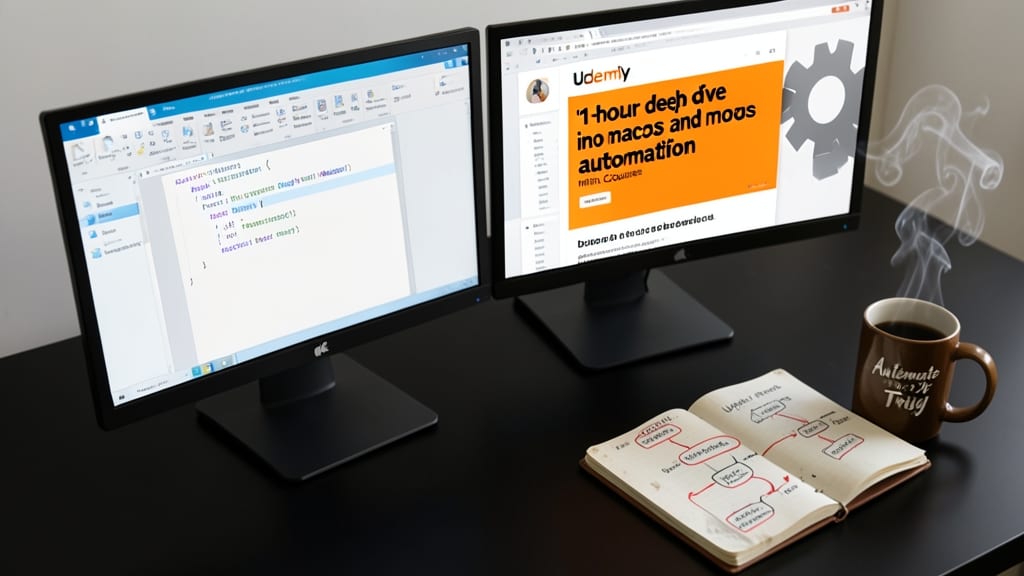
Tired of manually repeating the same tasks in Access? This Udemy free mini-course delivers a 1-hour deep dive into macros and automation, designed specifically for intermediate users who want to automate workflows without diving into complex VBA programming.
The course covers practical automation scenarios, like creating buttons to run queries or generate reports with a single click. You’ll learn macro security settings, how to debug common errors, and even export macros to VBA for future customization. Best of all, it’s free to audit—no subscription needed.
Perfect for office managers, small business owners, or anyone who handles repetitive data tasks—this course turns tedious work into effortless automation in under an hour. ✨
Microsoft Virtual Academy Access Basics
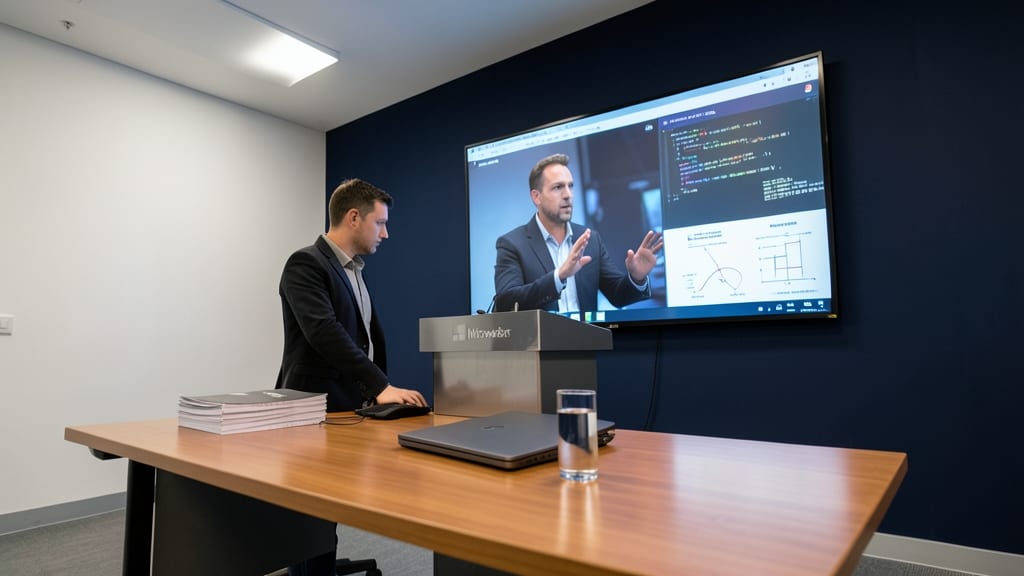
If you learn best by listening to experts break down complex topics, Microsoft Virtual Academy (MVA) delivers exactly that—free, high-quality video lectures straight from Microsoft’s own trainers. Unlike hands-on tutorials, this resource focuses on lecture-style instruction, making it perfect for visual and auditory learners who want to grasp concepts like SQL queries and pivot tables before diving into practice.
The Access Basics series includes modules on database design, query optimization, and advanced reporting—all taught by professionals who’ve worked with Access for years. You’ll find step-by-step explanations of how to structure queries, manipulate data with pivot tables, and even integrate Access with other Microsoft tools like Excel. The videos are bite-sized yet comprehensive, ensuring you don’t feel overwhelmed while still covering critical skills.
This is the ideal choice for students, analysts, or professionals who prefer structured lectures over self-paced exploration. Whether you’re prepping for a certification or just want to deepen your understanding, MVA’s expert-led approach will give you the confidence to tackle real-world Access projects. ✨
Corporate Finance Institute Access Crash Course
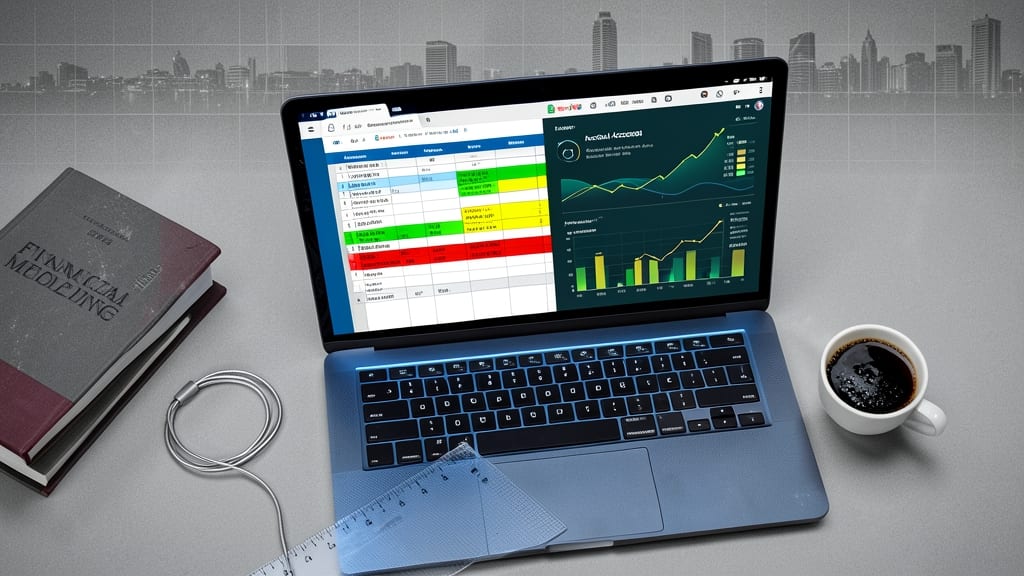
If you’re a business student or finance professional looking to turn raw data into actionable insights, the Corporate Finance Institute’s (CFI) Access Crash Course is your shortcut to mastering financial databases. Unlike generic tutorials, this course zeroes in on budget tracking, dashboard creation, and financial reporting—skills that directly translate to real-world corporate workflows.
The course walks you through building interactive dashboards with pivot tables and charts, automating expense reports, and even integrating Access with Excel for seamless financial analysis. You’ll work with real-world datasets (like income statements and cash flow projections) to practice querying, filtering, and visualizing data—all without writing a single line of VBA. The hands-on approach ensures you leave with a portfolio-ready project.
Perfect for accounting students, small business owners, or finance teams who need to manage budgets but lack technical database skills. Whether you’re prepping for a finance certification or just want to impress your boss with automated reports, this course delivers practical, job-ready skills—for free. ✨
Sololearn Microsoft Access Interactive Guide
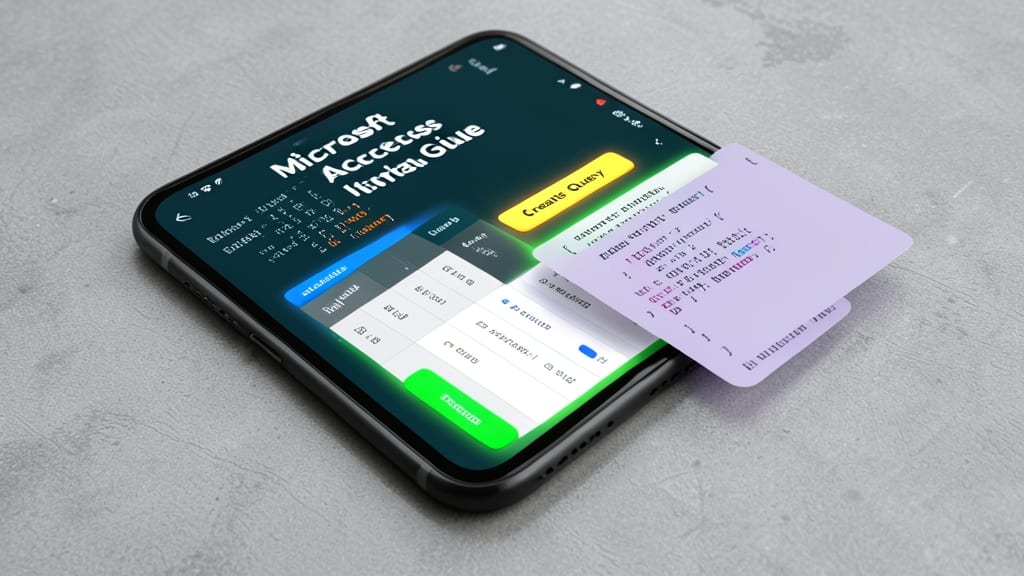
Tired of desktop-only training? Sololearn’s Microsoft Access Interactive Guide turns learning into a game—complete with quizzes, challenges, and instant feedback—all accessible on your phone or tablet.
This mobile-first guide covers core Access skills like creating tables, writing queries, and designing forms through bite-sized lessons. The gamified approach rewards progress with badges and leaderboards, while interactive exercises let you practice directly in the app. No desktop required!
Perfect for busy professionals, students, or commuters who want to master Access without sacrificing screen time. 💻
Access World Summit Free Webinars

Ready to push beyond basic queries and macros? The Access World Summit offers free, expert-led webinars diving into security best practices and Power Apps integration—topics rarely covered in beginner courses.
These sessions feature live demos of advanced database security (like encryption and user permissions) and step-by-step guides for connecting Access to Power Apps for custom workflows. Presented by Microsoft-certified trainers, the content is packed with real-world scenarios, such as automating approvals or securing sensitive client data.
Perfect for intermediate users who want to future-proof their skills or bridge Access with modern Microsoft tools—no prior experience with Power Apps required. ✨
Reddit Community Access Tutorial Threads

Stuck on a specific Access issue? The r/msaccess Reddit community offers real-world solutions from users who’ve tackled the same problems. Threads like "Fixing Corrupt Databases" or "VBA for Dynamic Forms" provide step-by-step fixes with actual code snippets and error logs.
Unlike structured courses, these threads thrive on community troubleshooting—think of them as a live Q&A where you can post screenshots of your errors and get answers within hours. Popular threads often include downloadable sample databases to demonstrate fixes, making it easy to test solutions in your own projects.
Perfect for intermediate users or anyone debugging complex issues, this resource shines when formal courses leave you hanging. 💻